NEWS / INFORMATION
New: “Build from visuals” — design your character's look just by picking hair, eyes and more
Published:
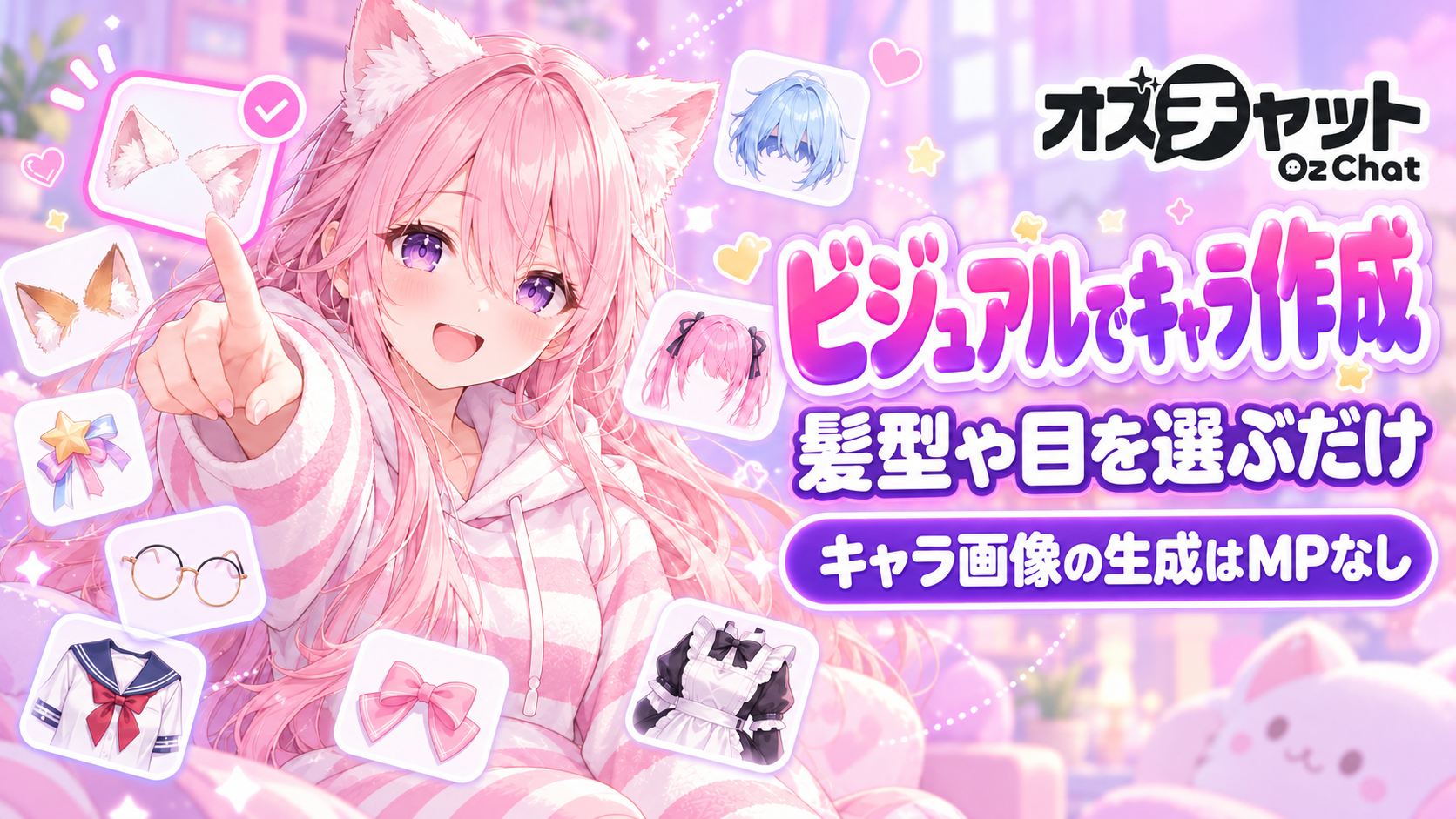
You can now design your original character's look just by picking illustrations. Choose from 400+ parts such as hairstyles, eyes, ears and outfits, then tap “Generate New Visual” to create the character image.
How to use
Open it from “Build from visuals” on the original character creation screen (or in the AI draft of story creation).
Parts are grouped into 7 tabs — Basics, Body, Hair, Eyes, Face, Outfit and Accessories — each with picture previews. You can also make odd eyes or combine ears with horns.
Swipe through the images you generated to compare them. Show the one you like and tap “Done” to use it as the character image.
If you create an AI draft with your chosen look, the AI also comes up with a name and personality that match it.
Character images use no MP
Generating character images doesn't use MP. You can generate up to 30 times every 24 hours.
『地雷系ひよこ店長』シリーズ コラボキャラクター提供終了のお知らせ
いつもオズチャットをご利用いただき、ありがとうございます。 ゆんぶぅ先生とのコラボキャラクターにつきまして、2026年11月30日をもってオズチャットでの提供を終了いたします。 これまで対象キャラクタ...
Oz Chat goes Halloween! Plus the new “Halloween Photo Booth” 🎃
For a limited time, the app has a Halloween look: a jack-o'-lantern in the bottom menu and purple de...