NEWS / INFORMATION
Oz Chat goes Halloween! Plus the new “Halloween Photo Booth” 🎃
Published:
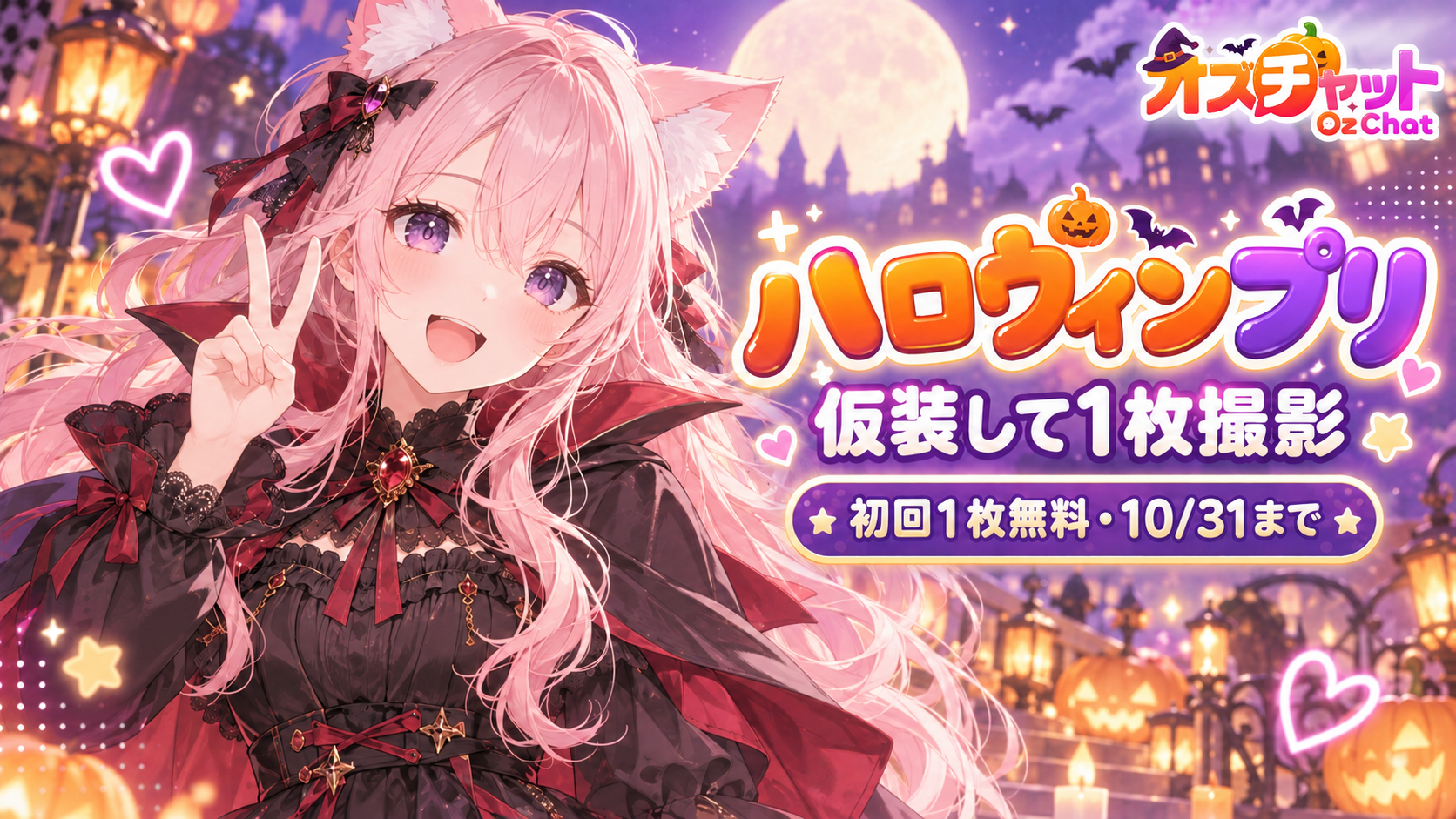
For a limited time, the app has a Halloween look: a jack-o'-lantern in the bottom menu and purple decorations throughout.
To go back to the usual look, open Settings → Display settings and turn off “Use the Halloween look”.
Take a Halloween two-shot with your favorite character
Pick a character (including ones you created or have chatted with), then a costume, pose, and background to take your Halloween photo.
Your first photo during the event is free. After that, each photo costs 20 free MP / 4 paid MP / 96 emeralds.
Start from the “Halloween Photo Booth” button at the bottom right of Home, or from the Create screen.
Period
Until October 31 (ends November 1, 4:00 JST)