NEWS / INFORMATION
Same story, different beginnings. Introducing "Openings"!
Published:
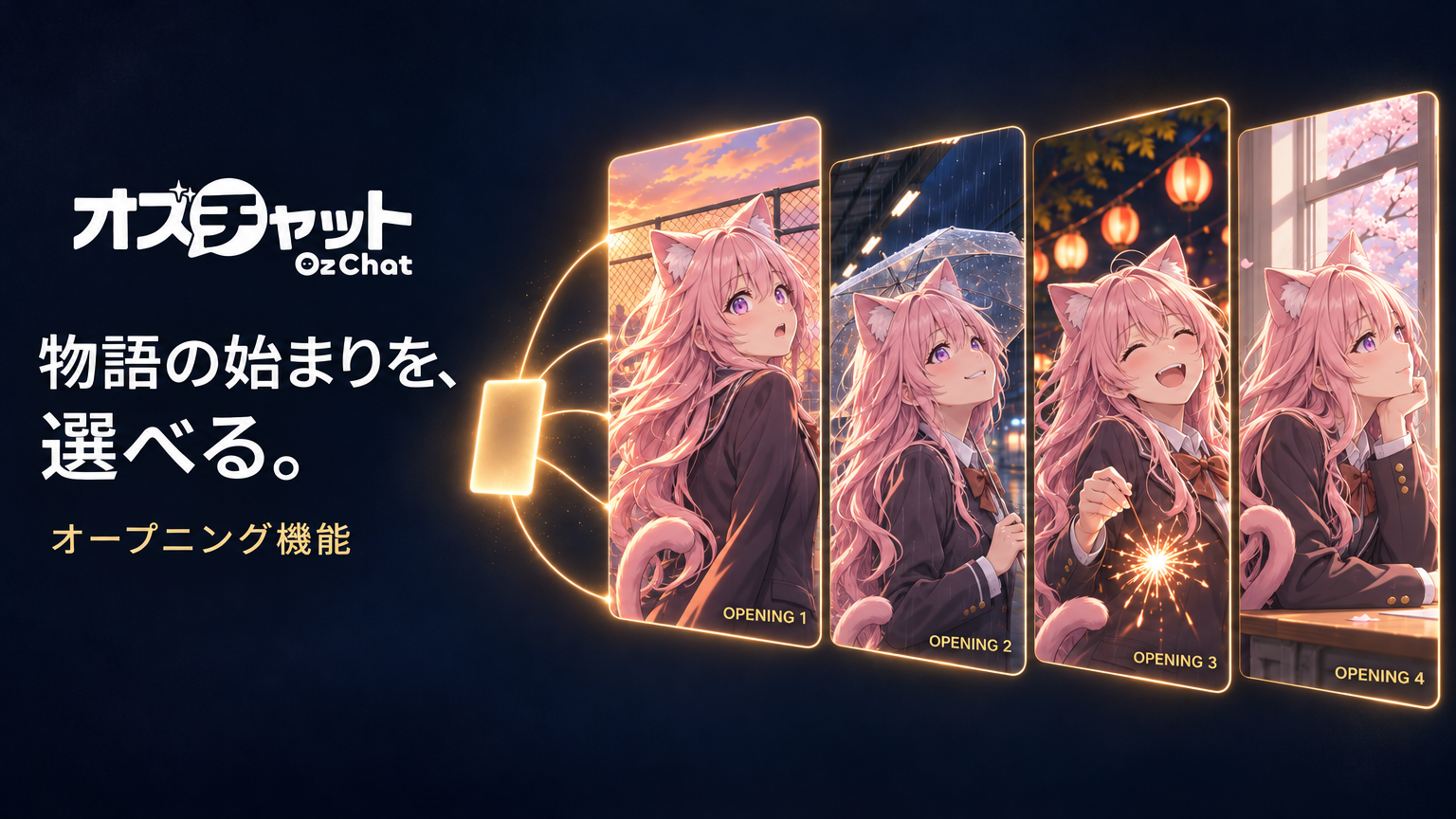
Stories (situation cards) now support "Openings," which let you choose where the story begins.
A single story can have up to five starting scenes. When you start a new chat, pick the scene you like and step into the story.
One world, many stories
Even with the same setting and characters, where a story starts changes how it feels.
- A story that starts right before a secret comes out, and one that starts after it does
- A story that starts on the day you met, and one that starts in a summer when you've grown closer
- A scene where the character speaks first, and one where you make the first move
What each opening can set
- Opening conversation (narration and lines)
- Image (optional; becomes the chat background for that scene)
- Initial status values (for stories that use story status, such as situation, place and relationship)
How to play
- On a story with multiple openings, choose "Start new chat".
- When asked "Which scene do you want to start from?", pick an opening.
- The story begins from that scene. To try another beginning, choose "Start new chat" again.
When you resume, the conversation continues from the opening you chose last time.
How to create
Open a story in the creation studio and tap "+ Add" above the "Intro" tab to create a new opening.
- Your existing intro becomes Opening 1.
- A new opening starts as a copy of the intro; edit it line by line just like the intro. Per-line scene images work too.
- Switch which opening you're editing with the "Opening 1, 2…" tabs. Set the name, image and initial status values under "Settings for this opening". The name appears as a choice when a chat starts.
- Stories you've already published keep working as stories with a single opening. No changes needed.