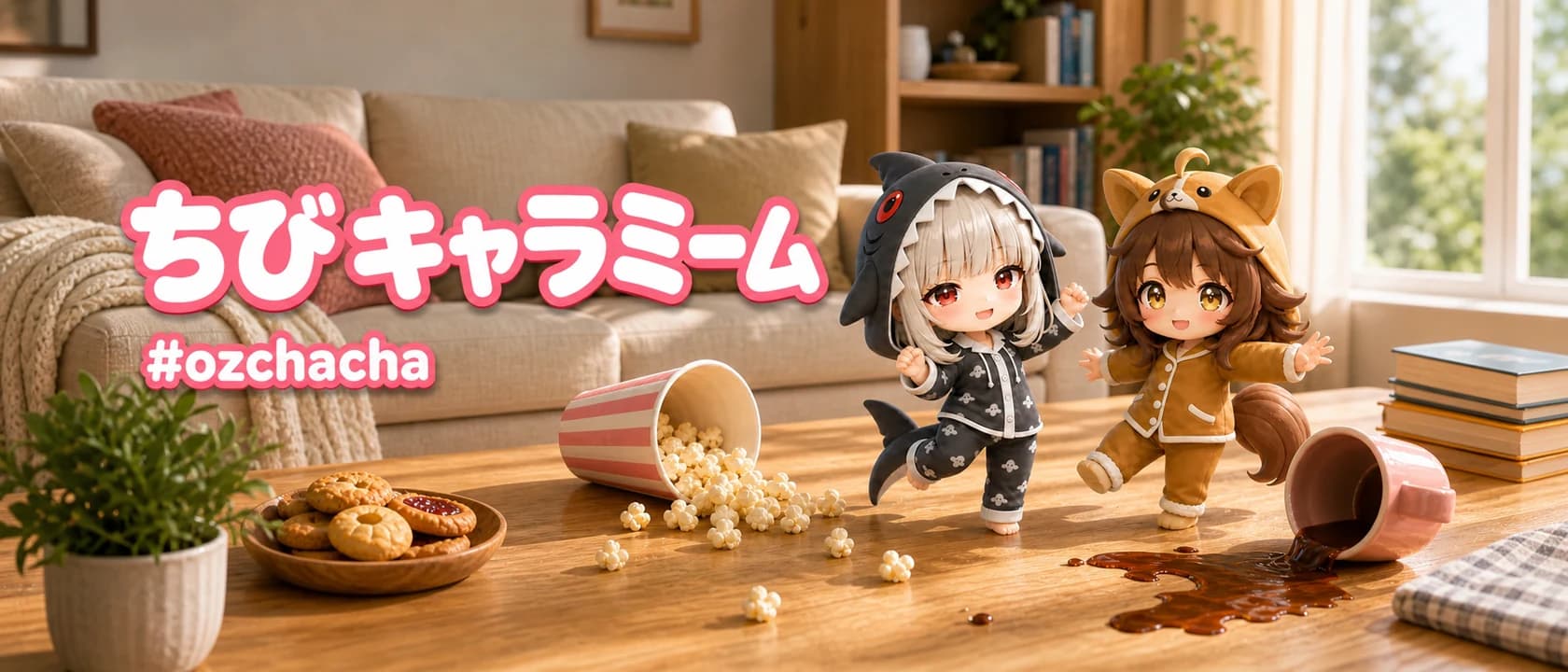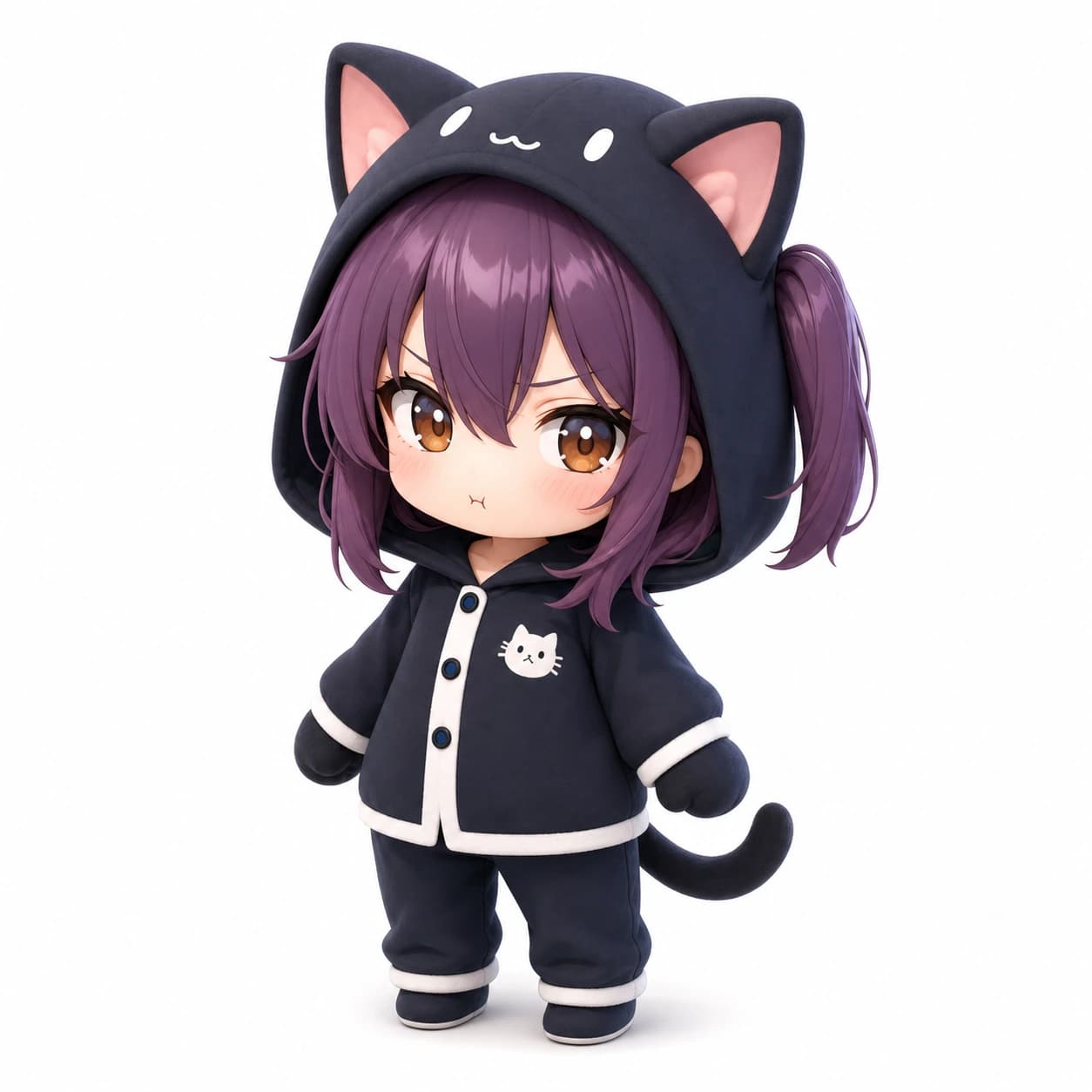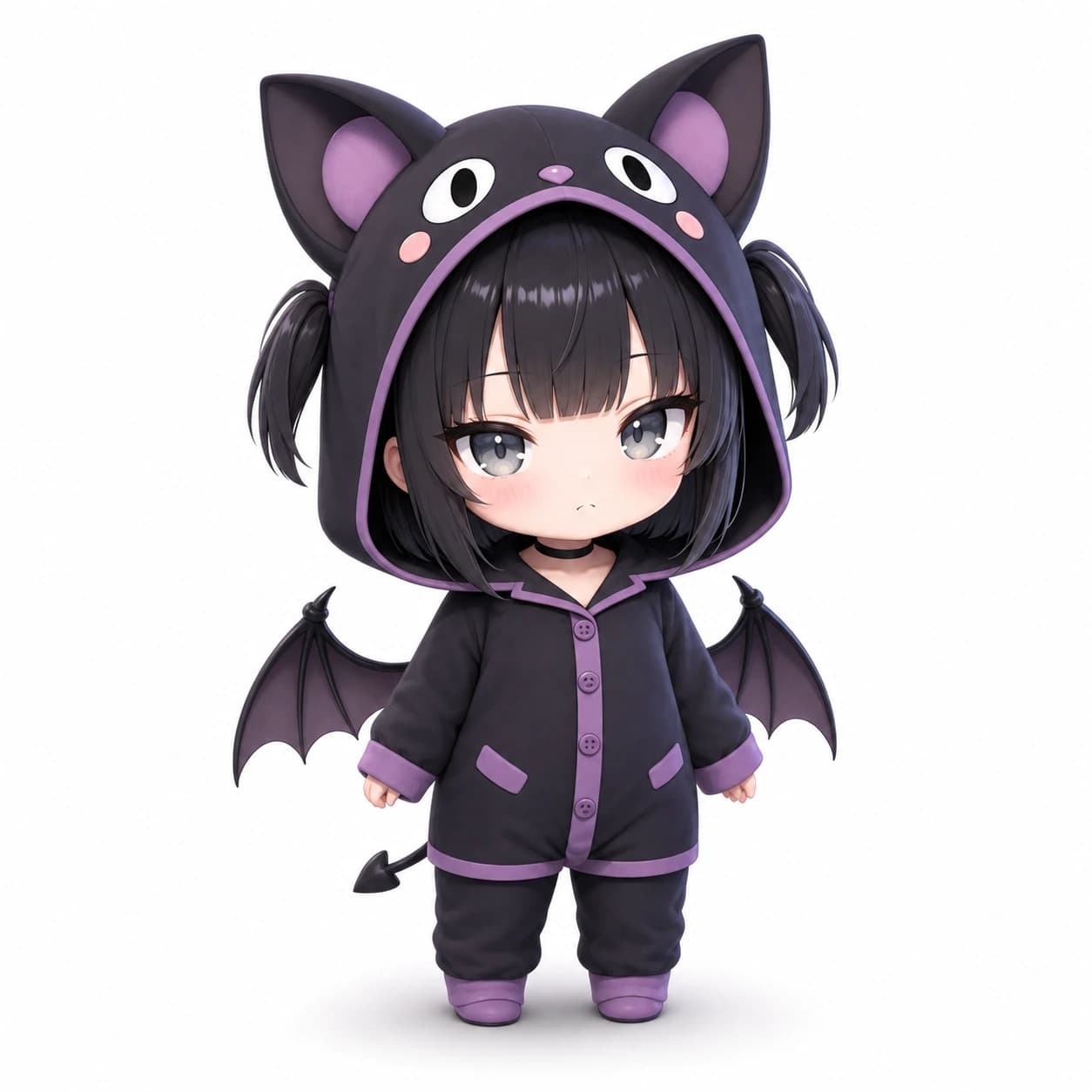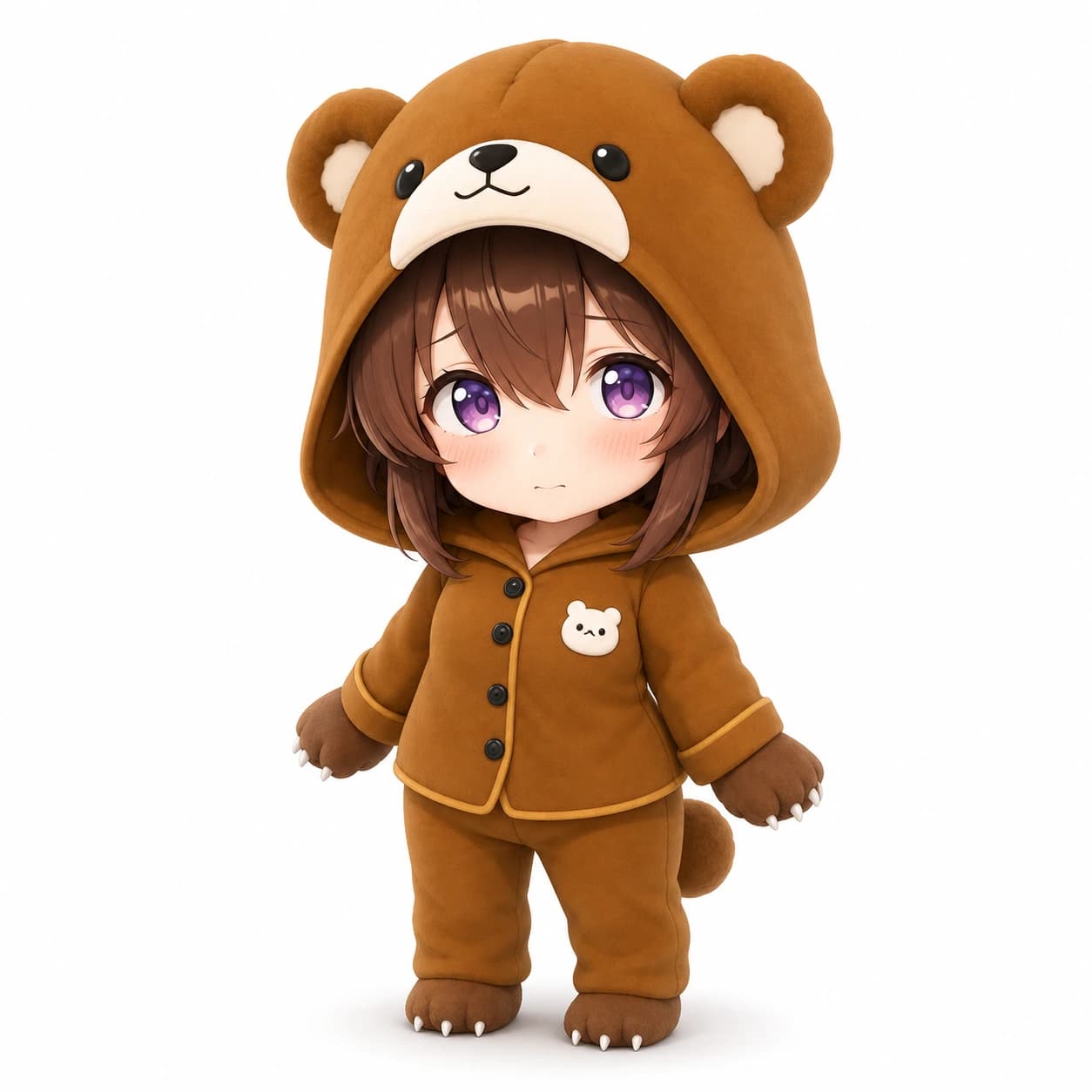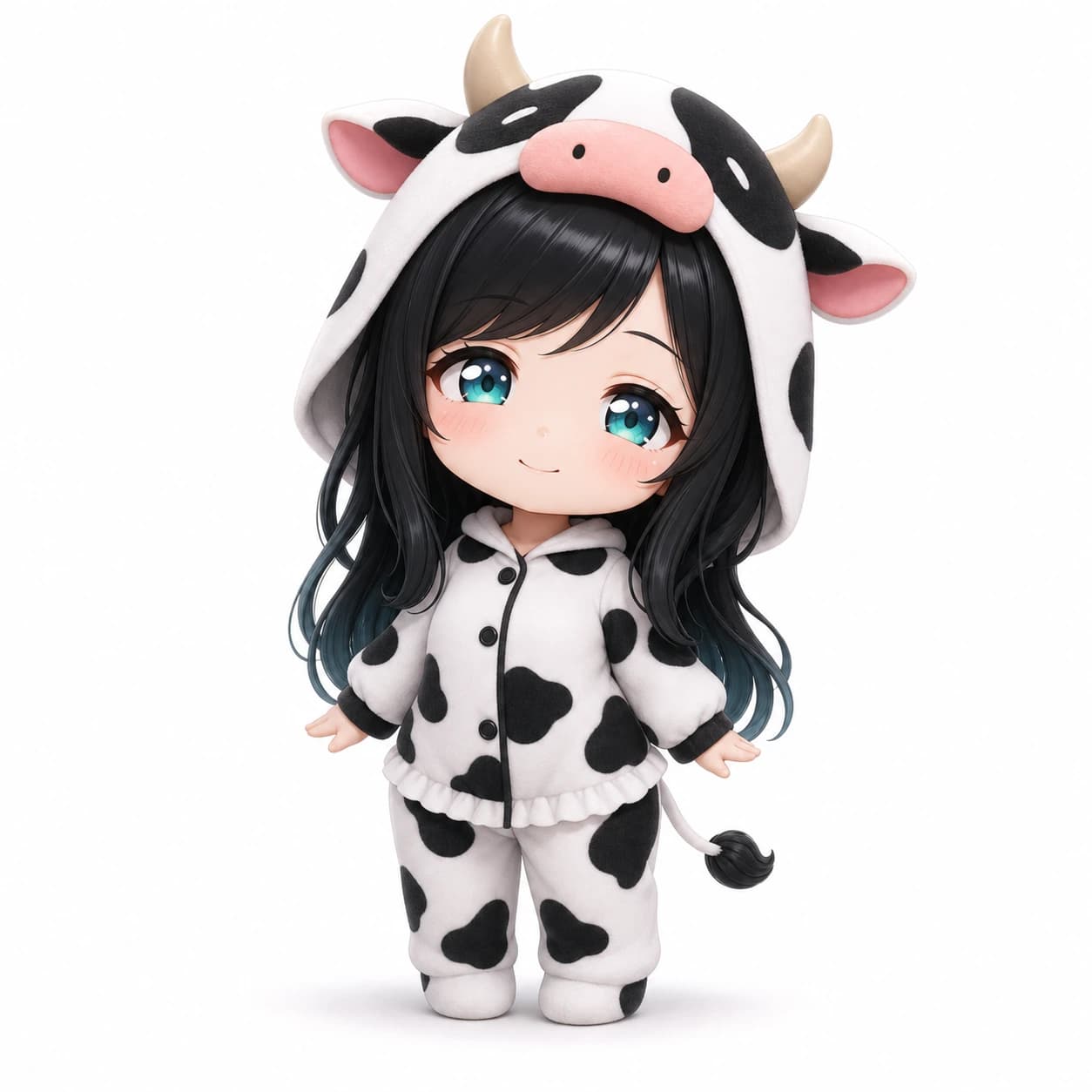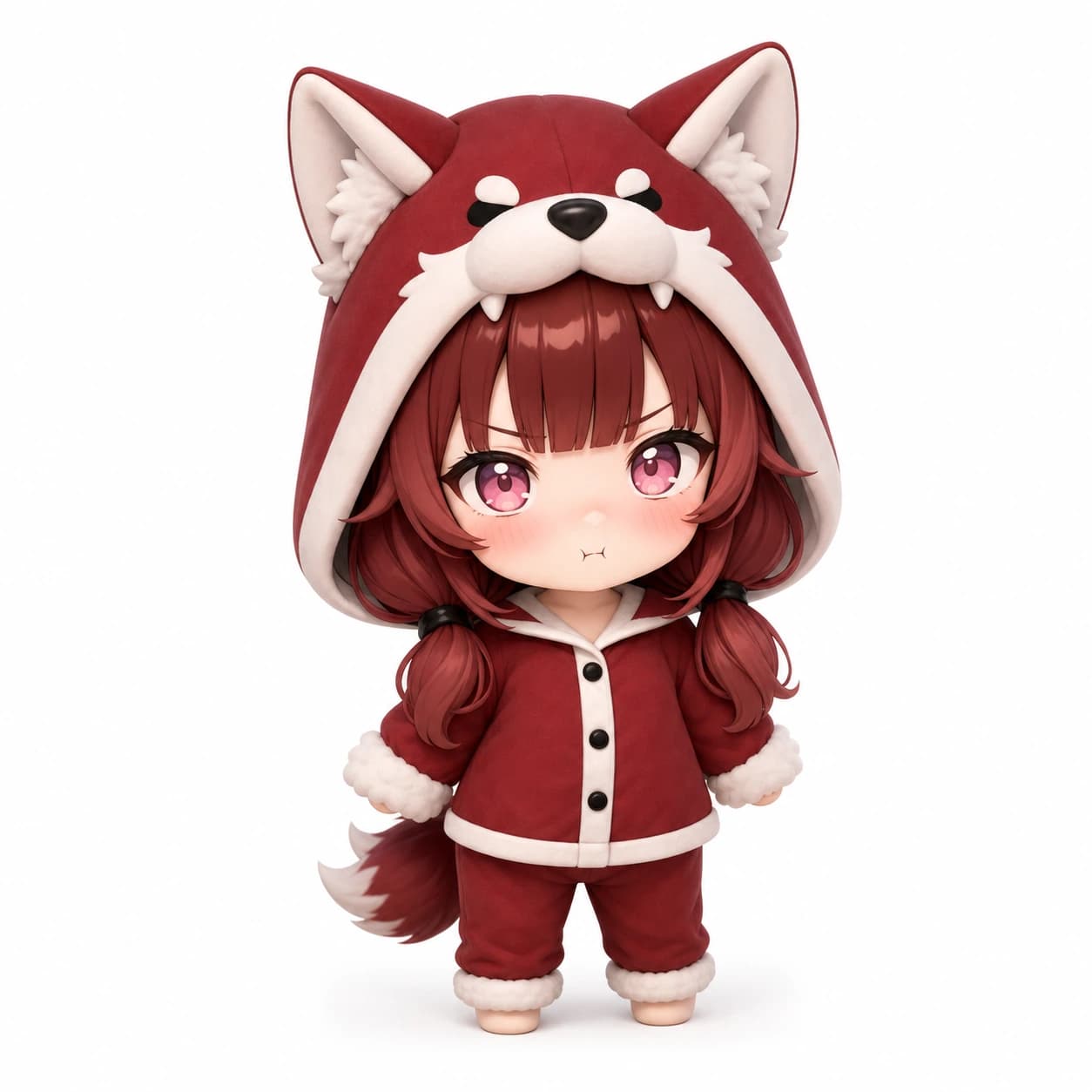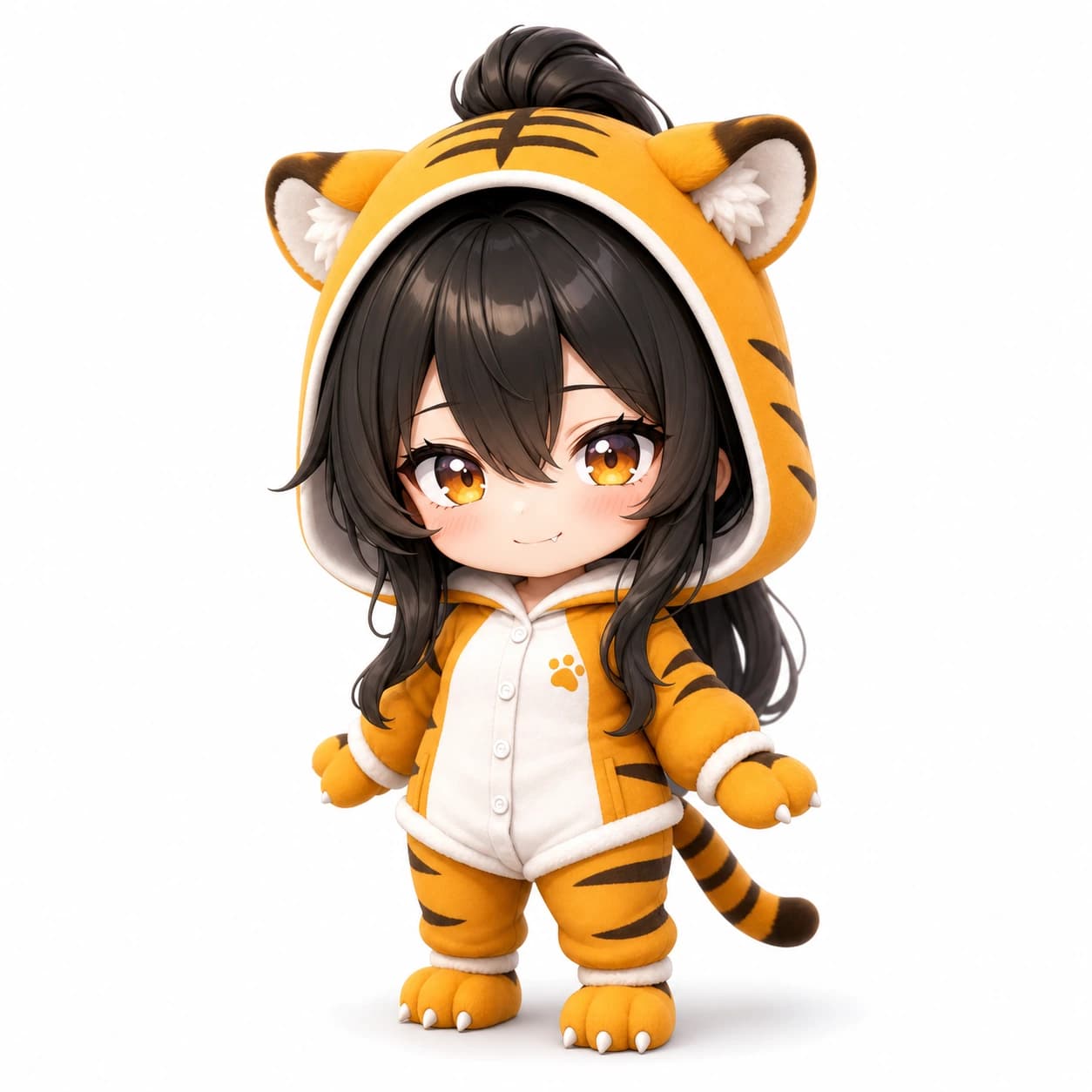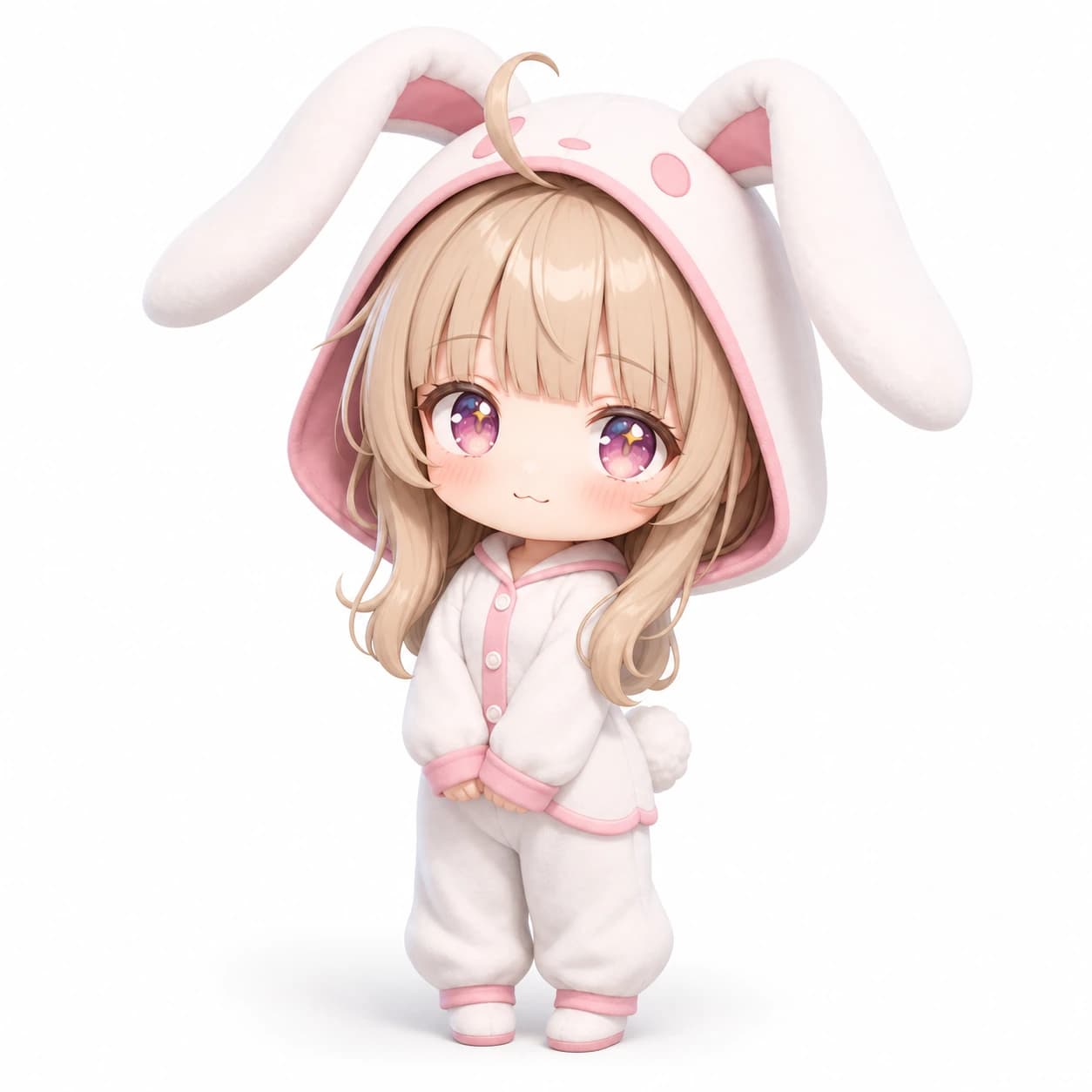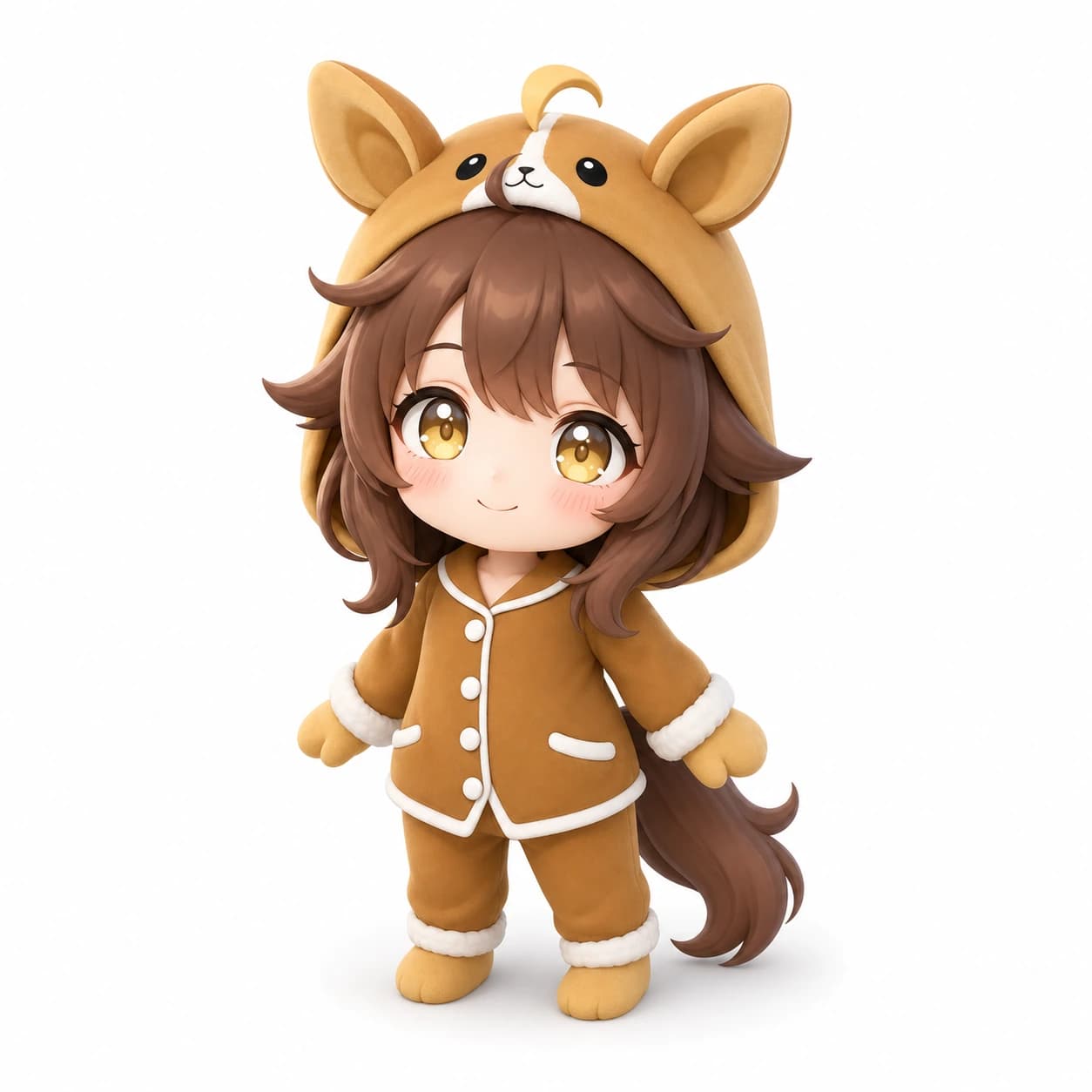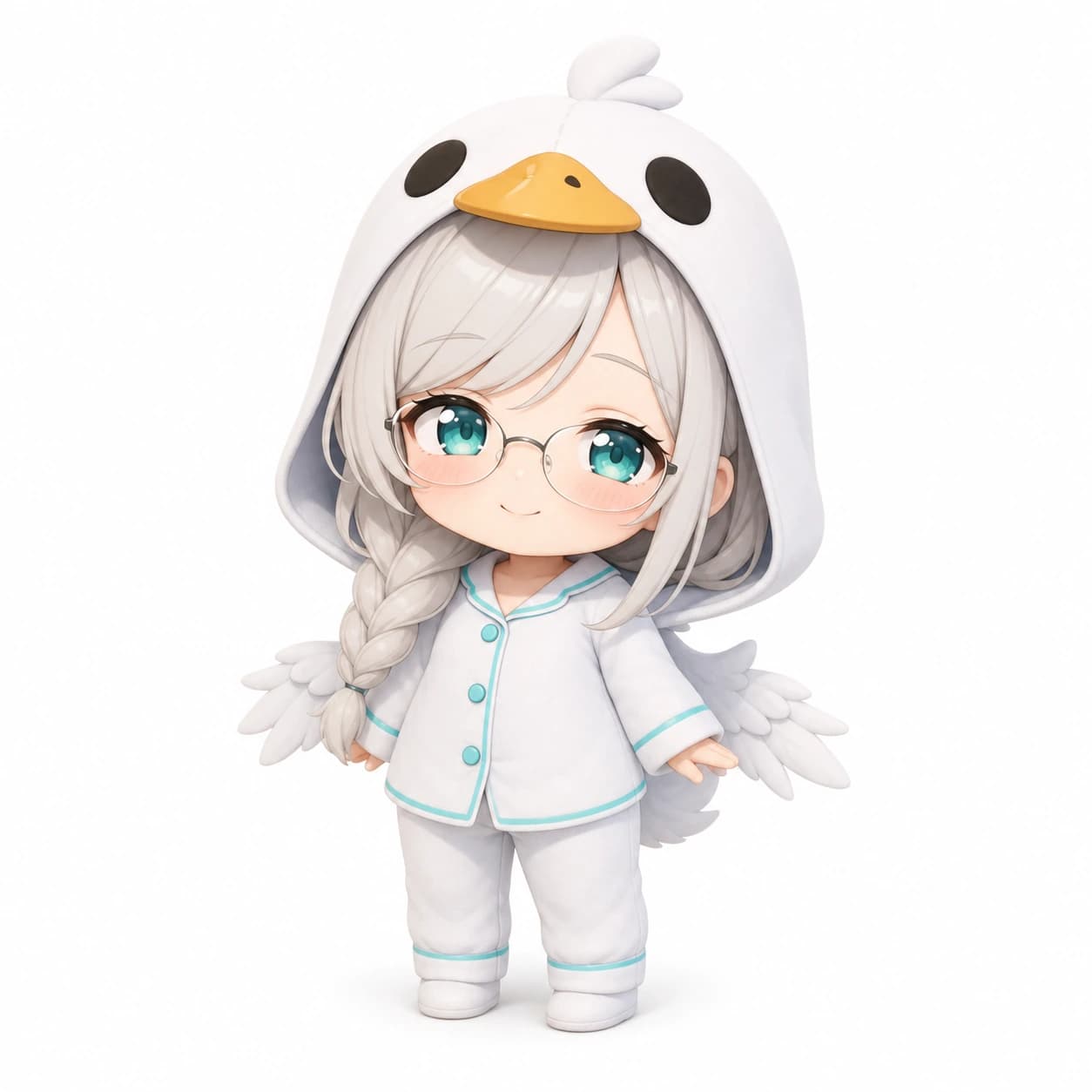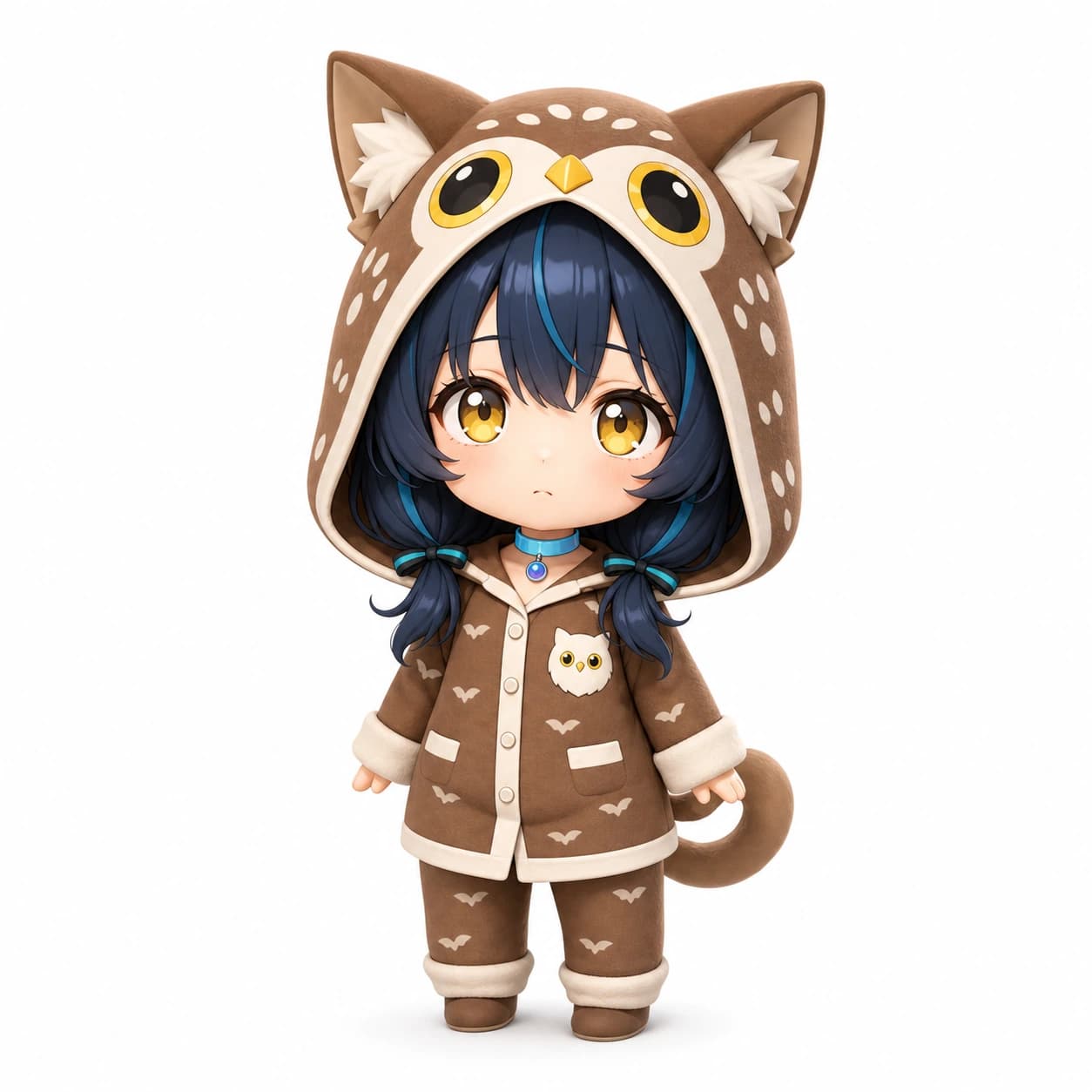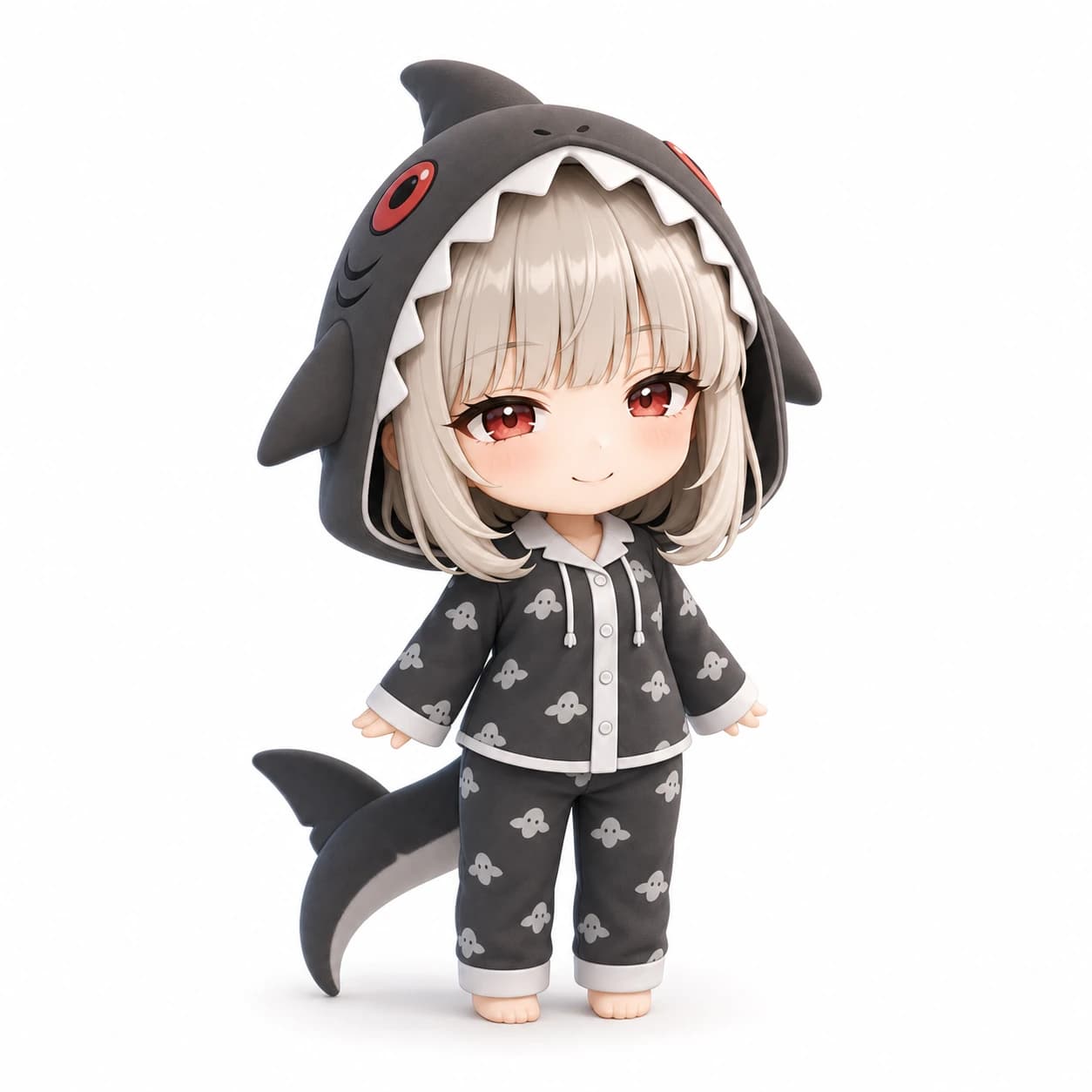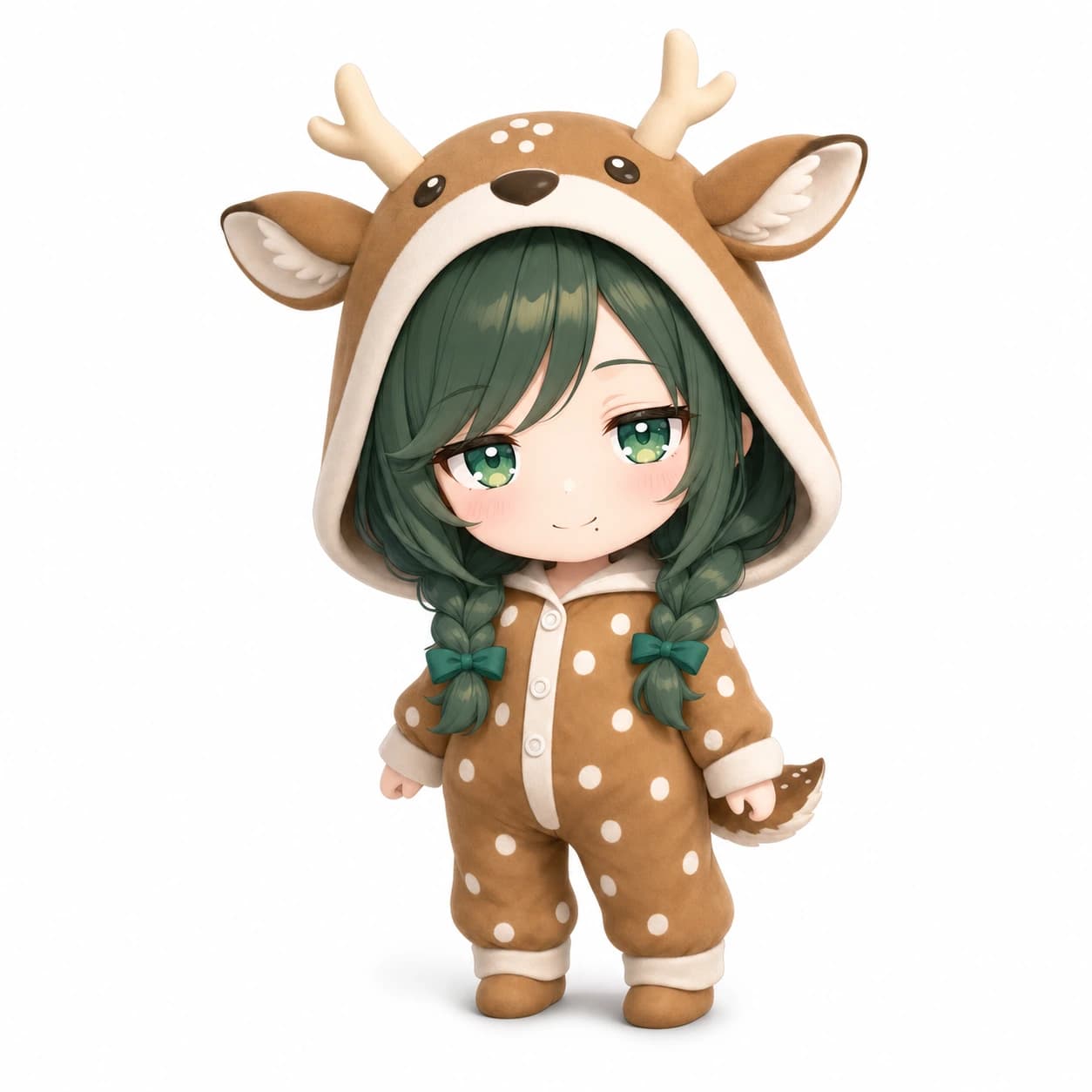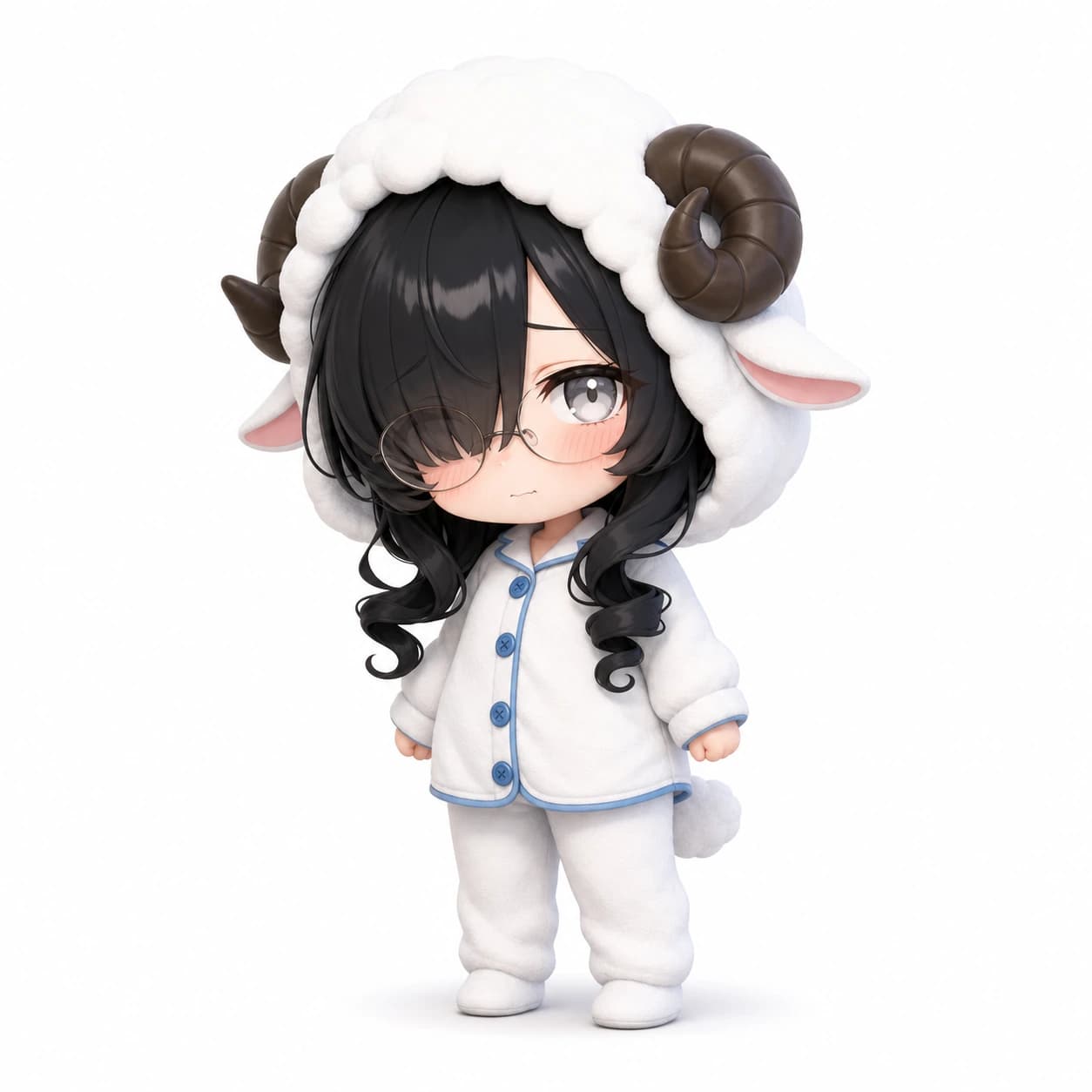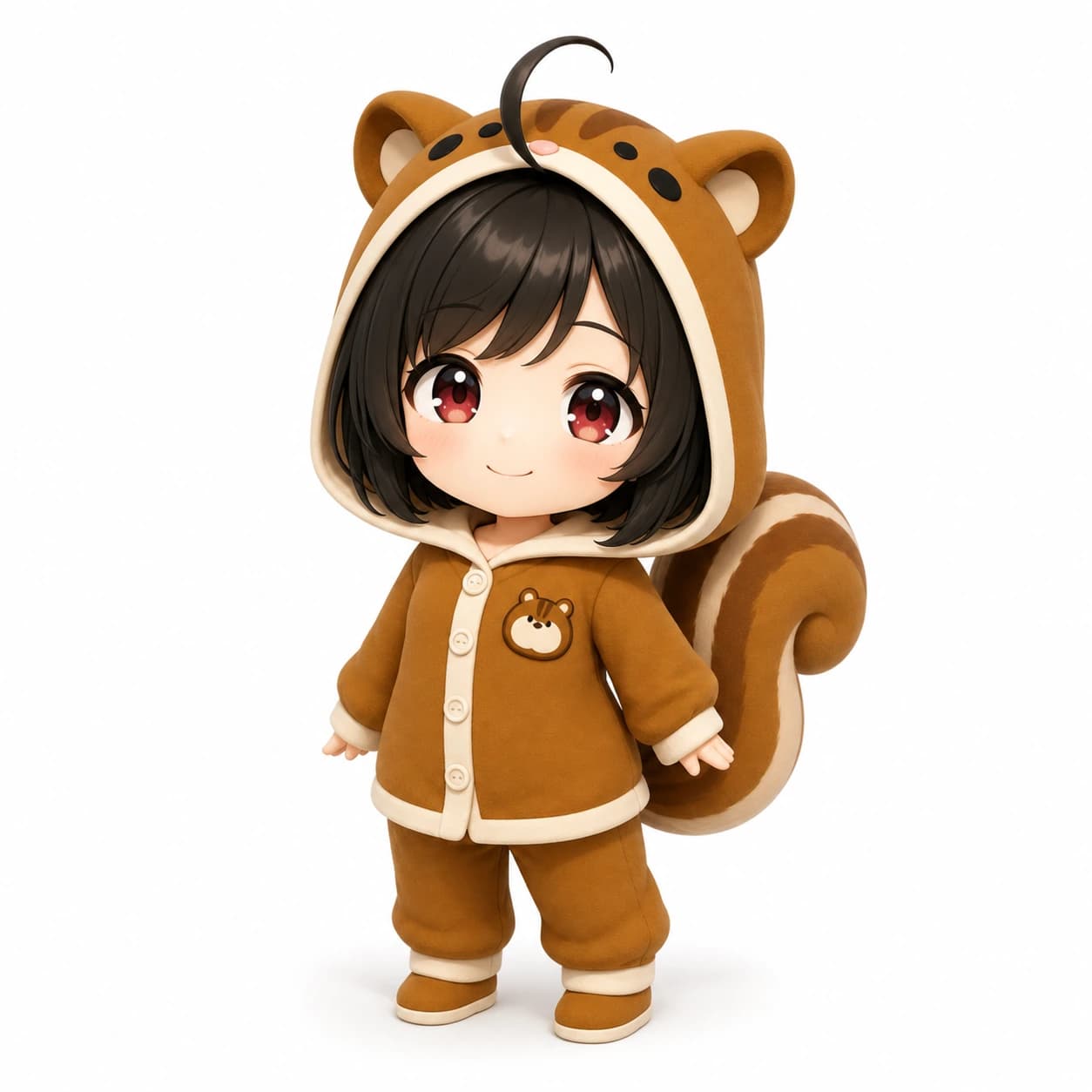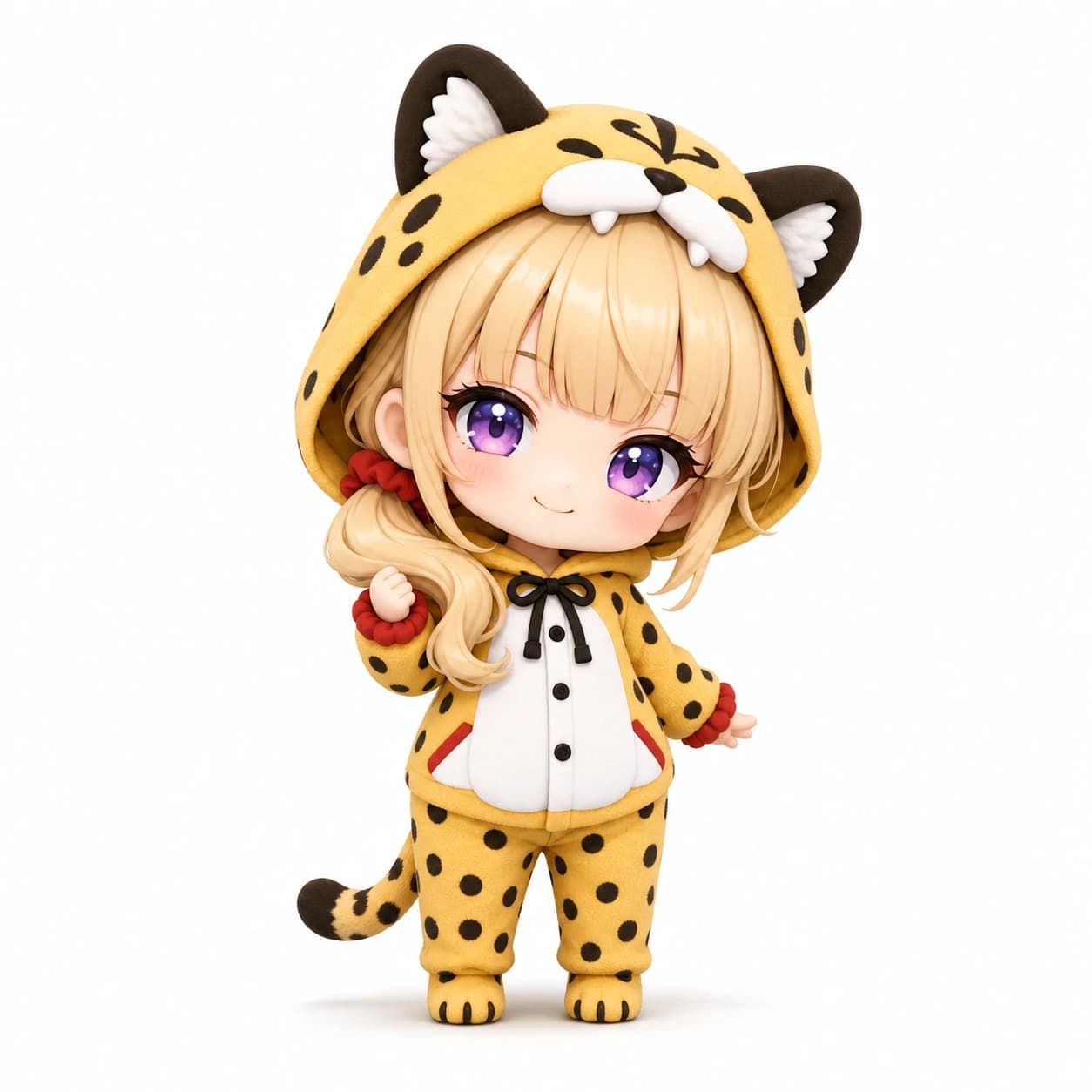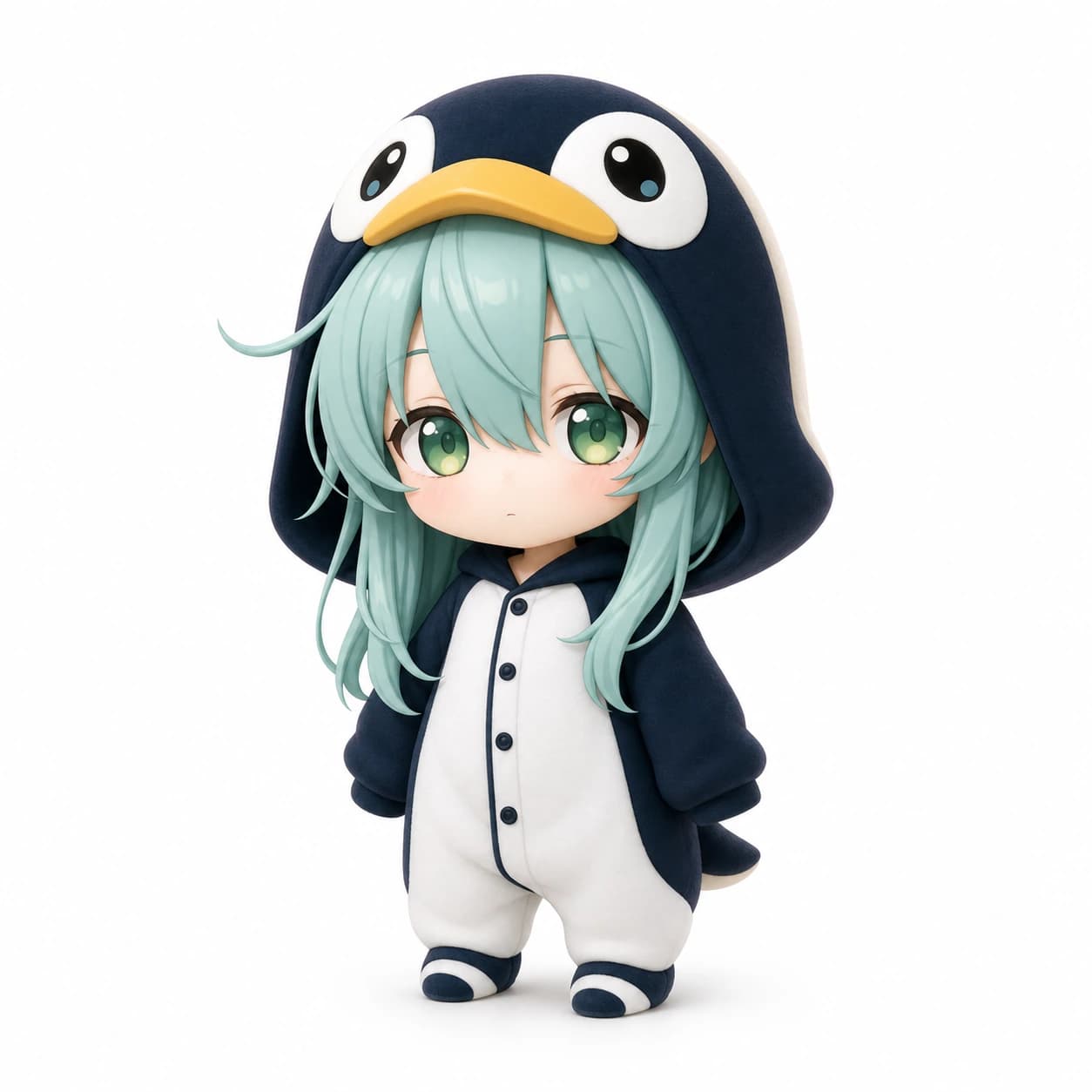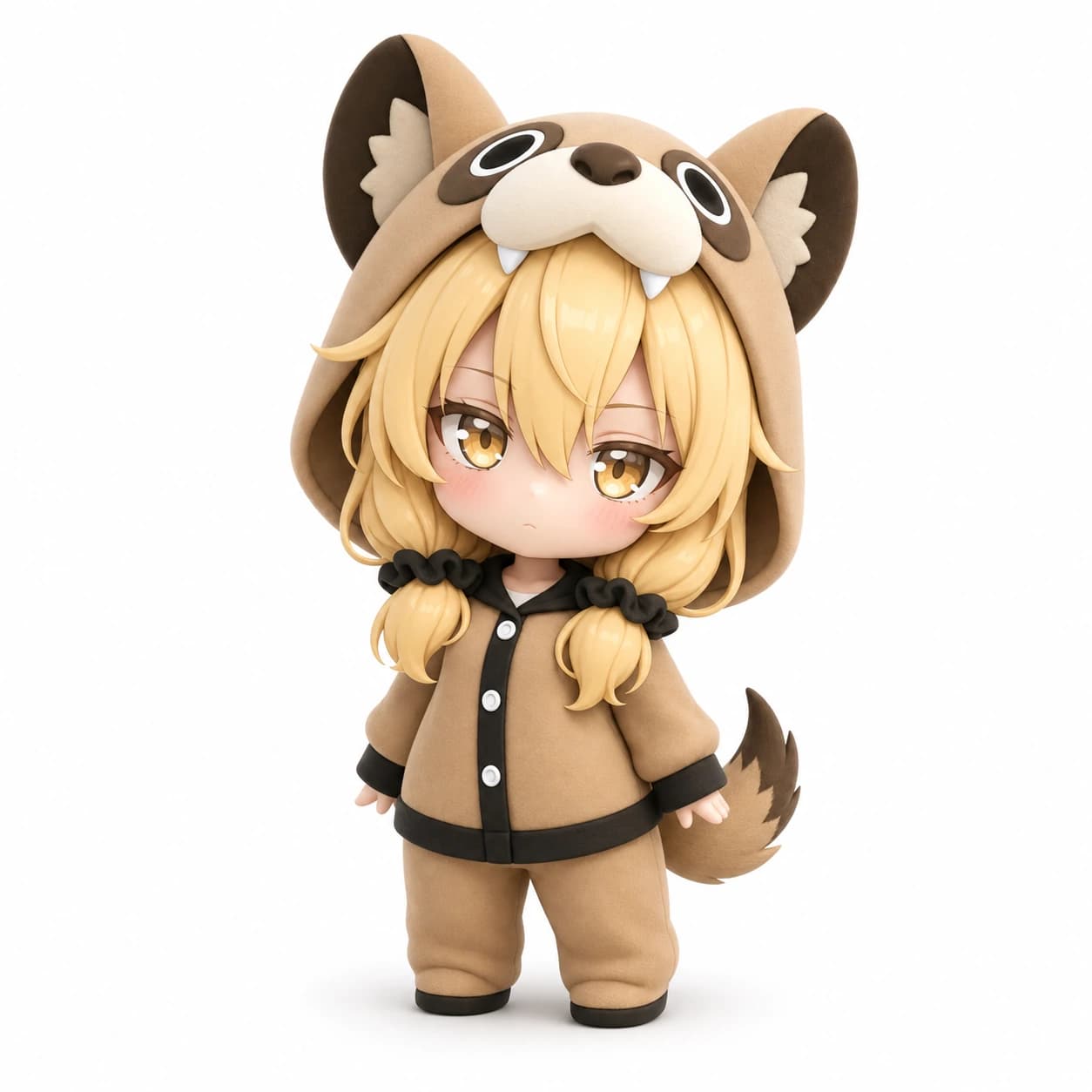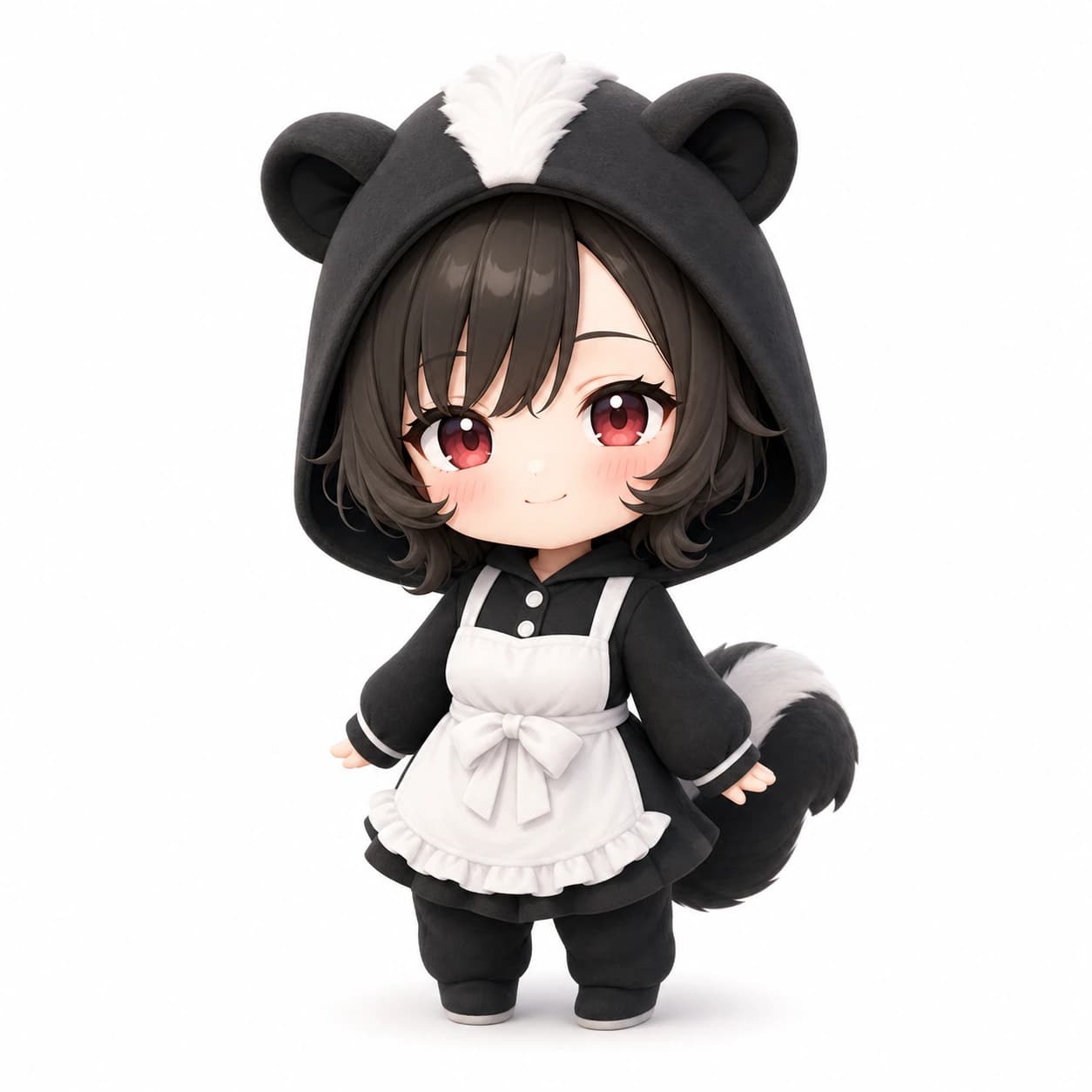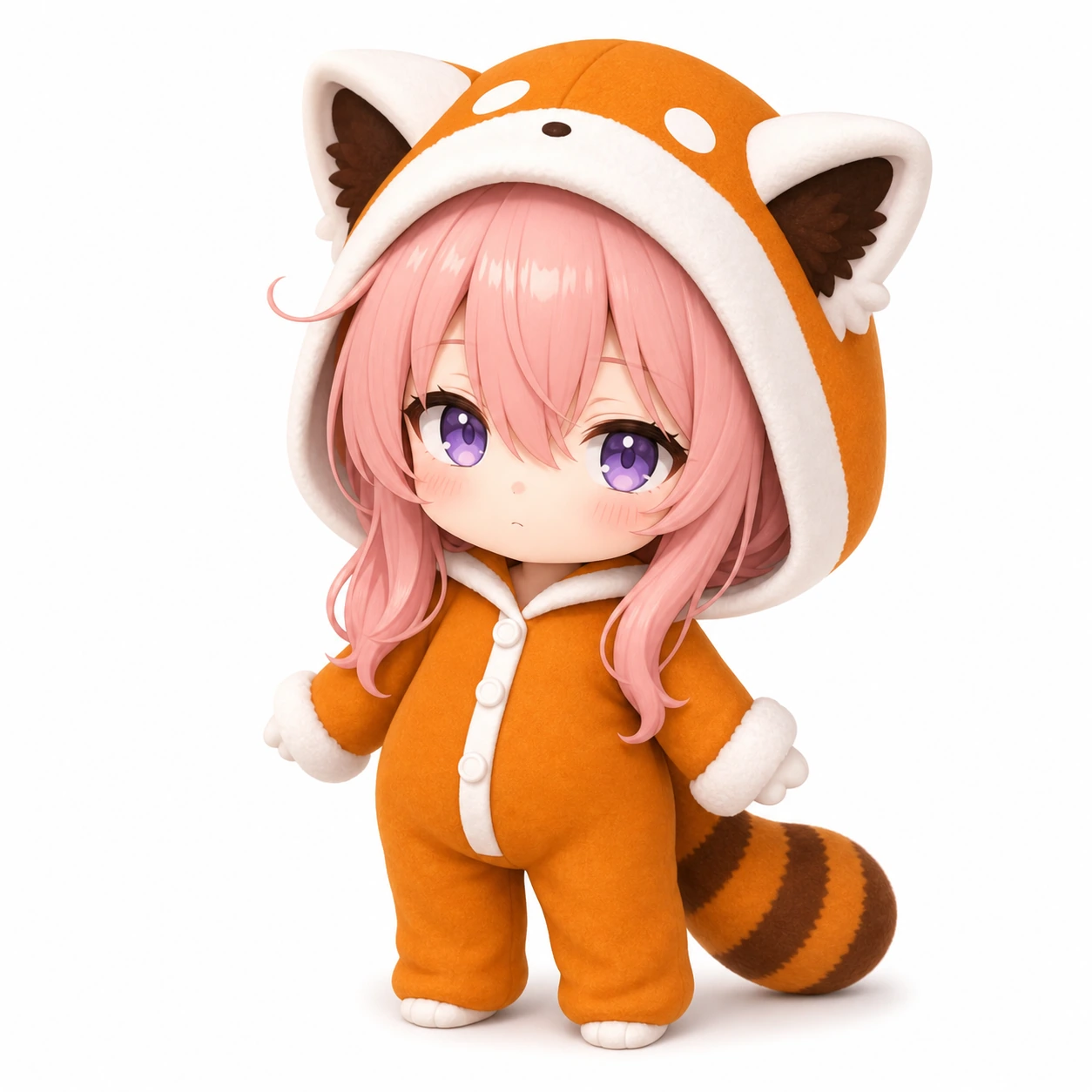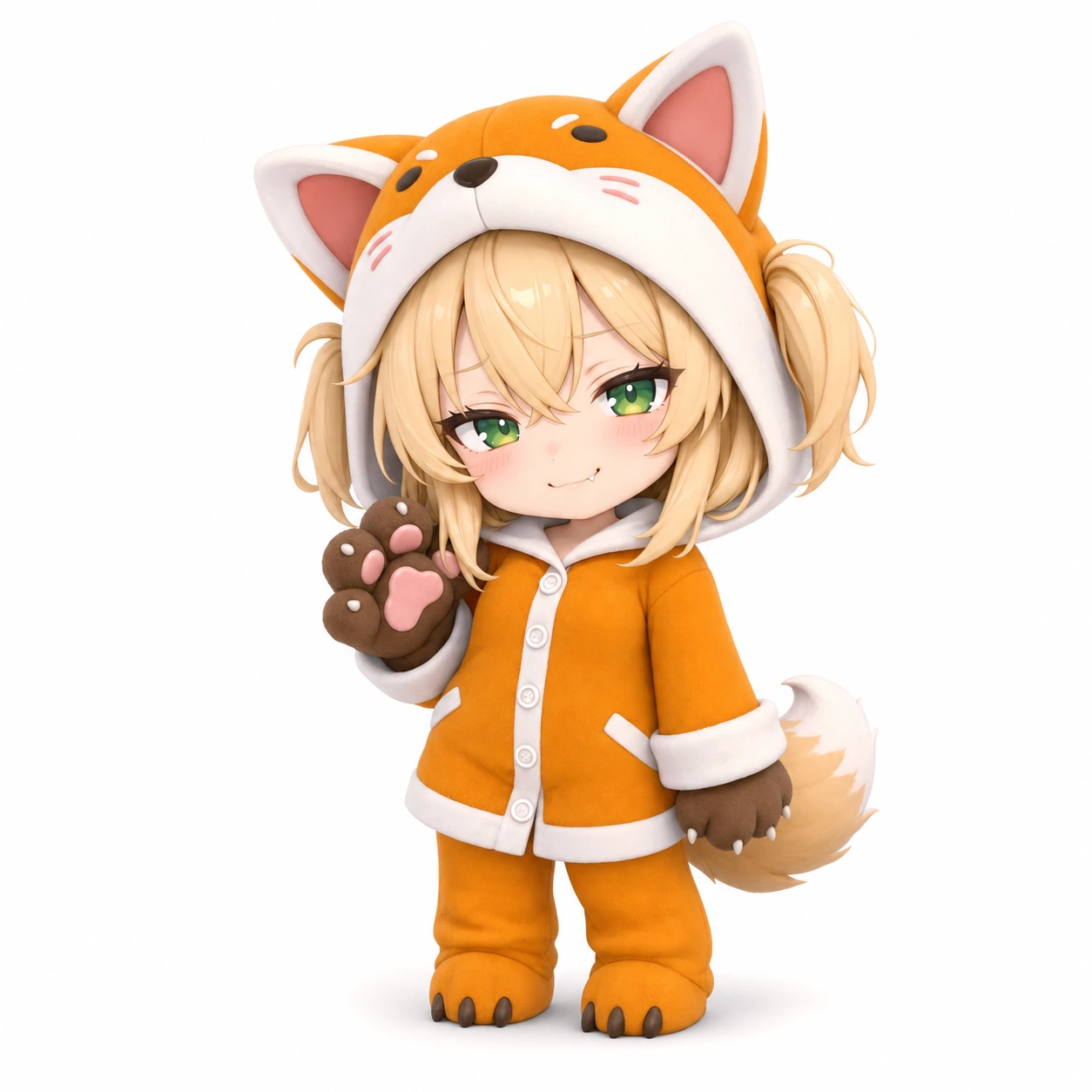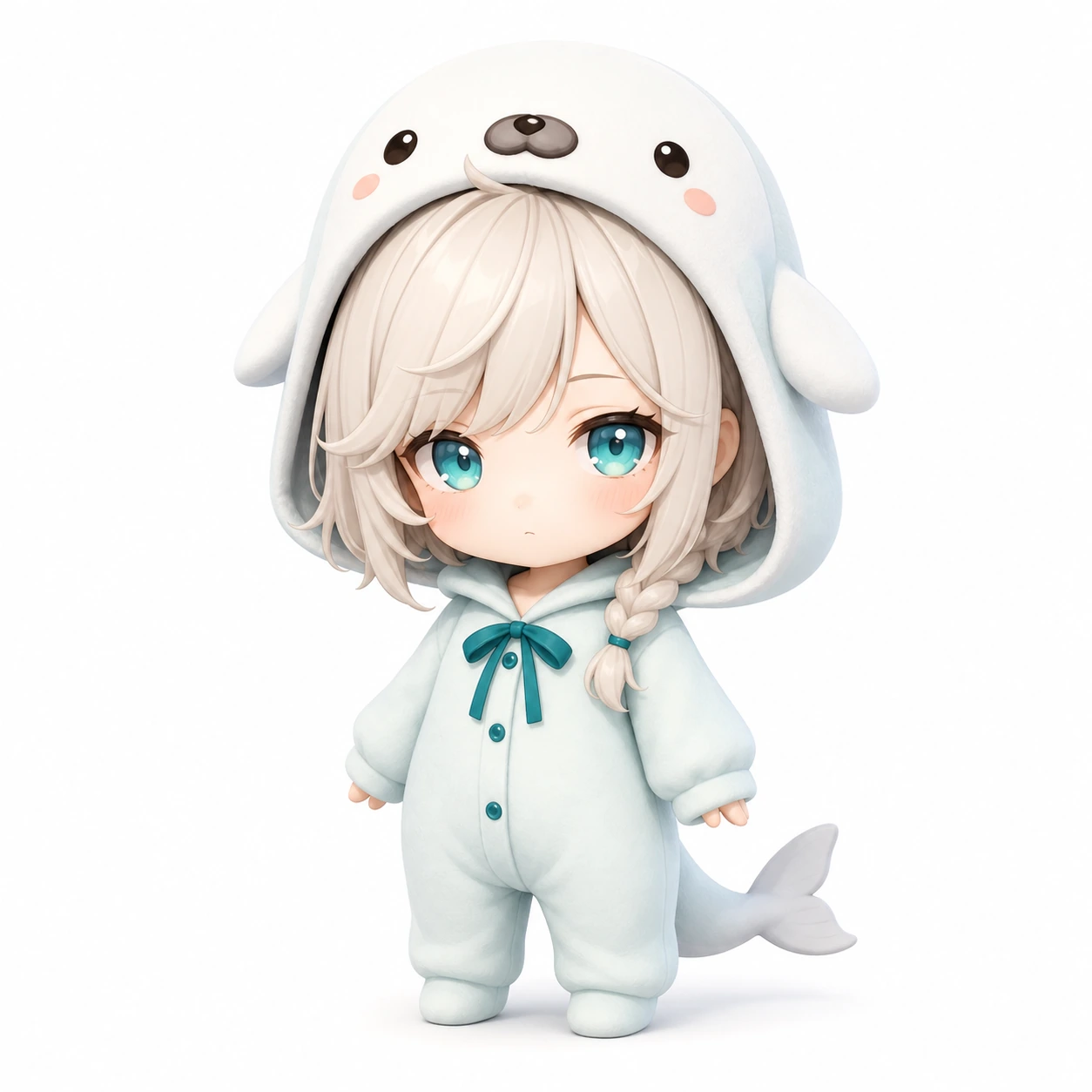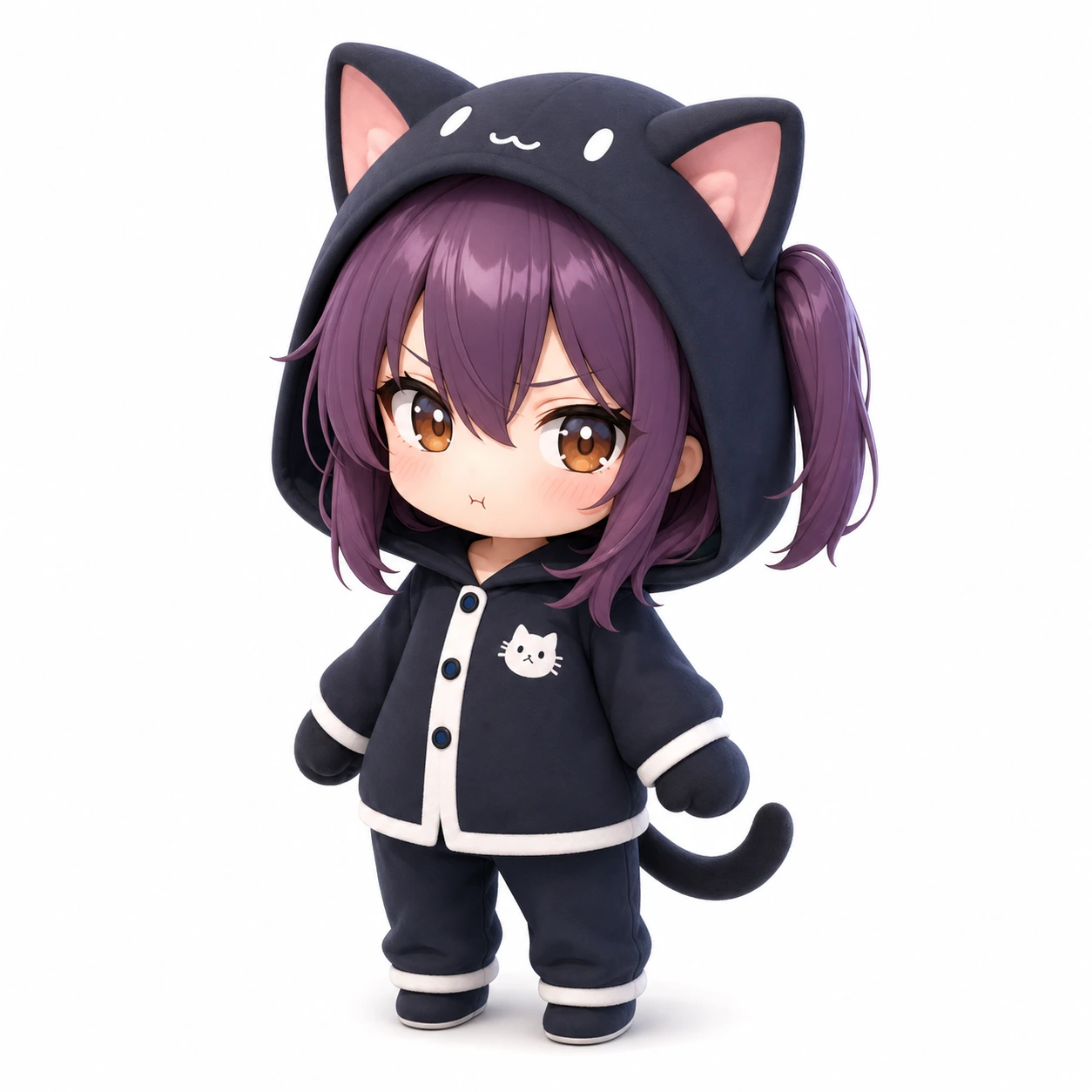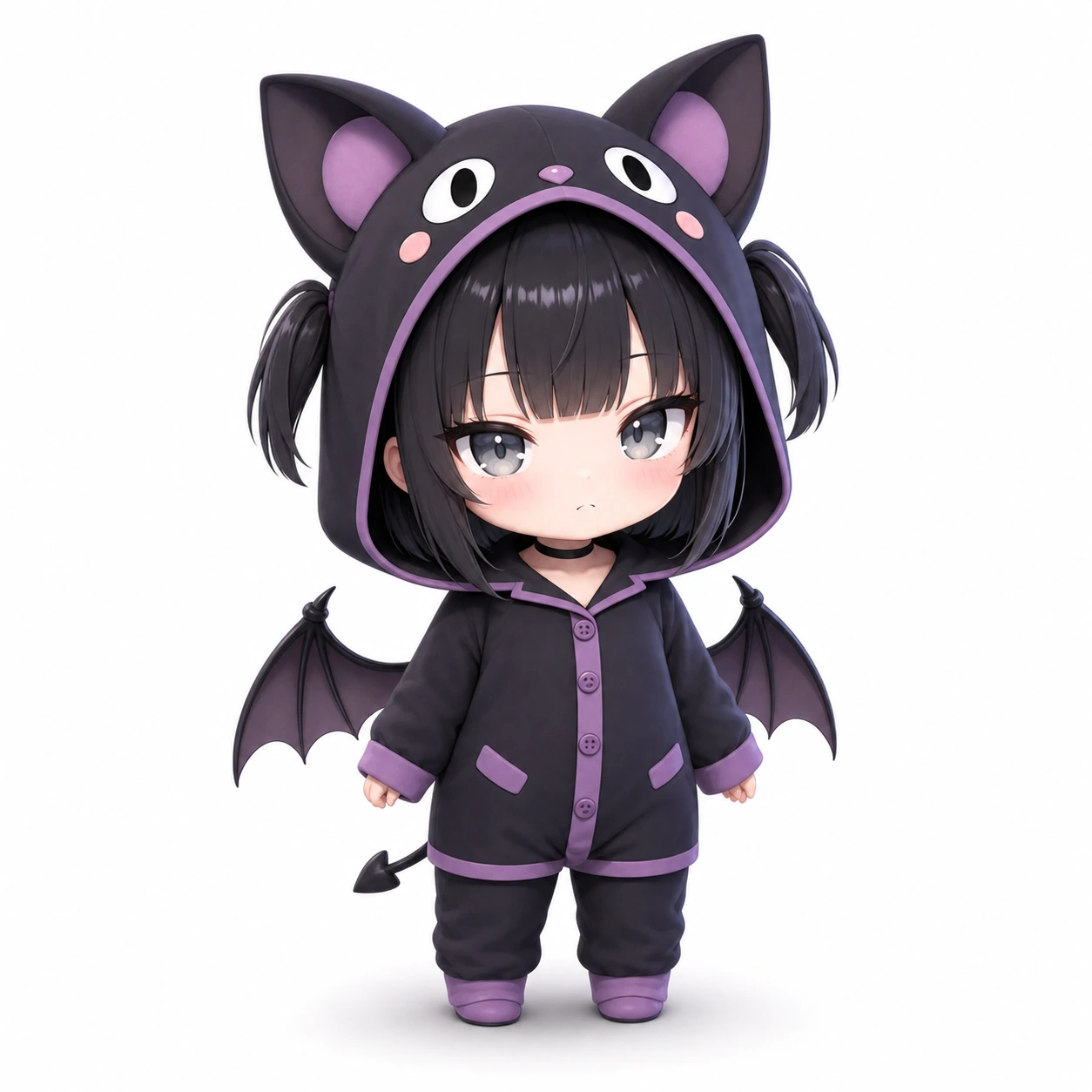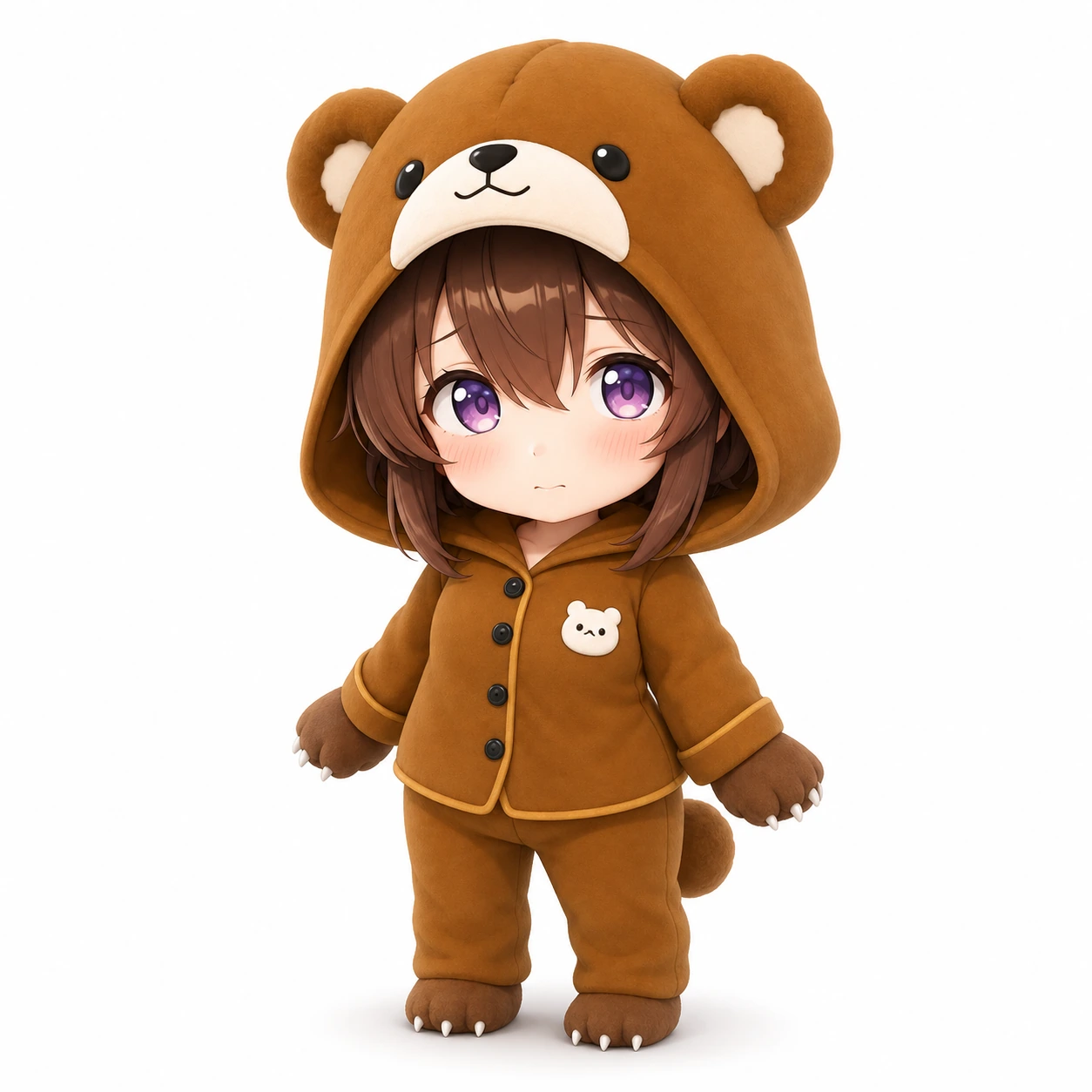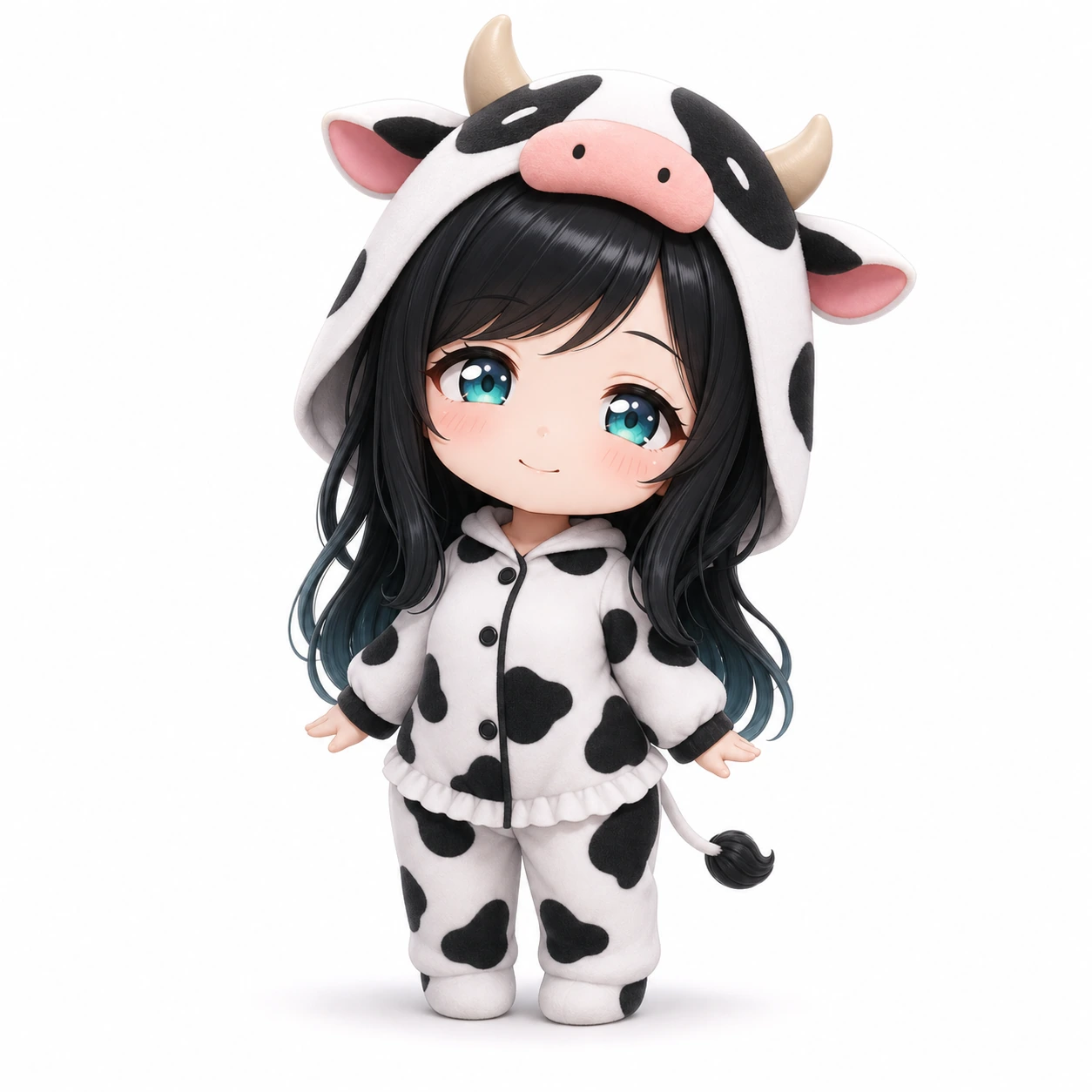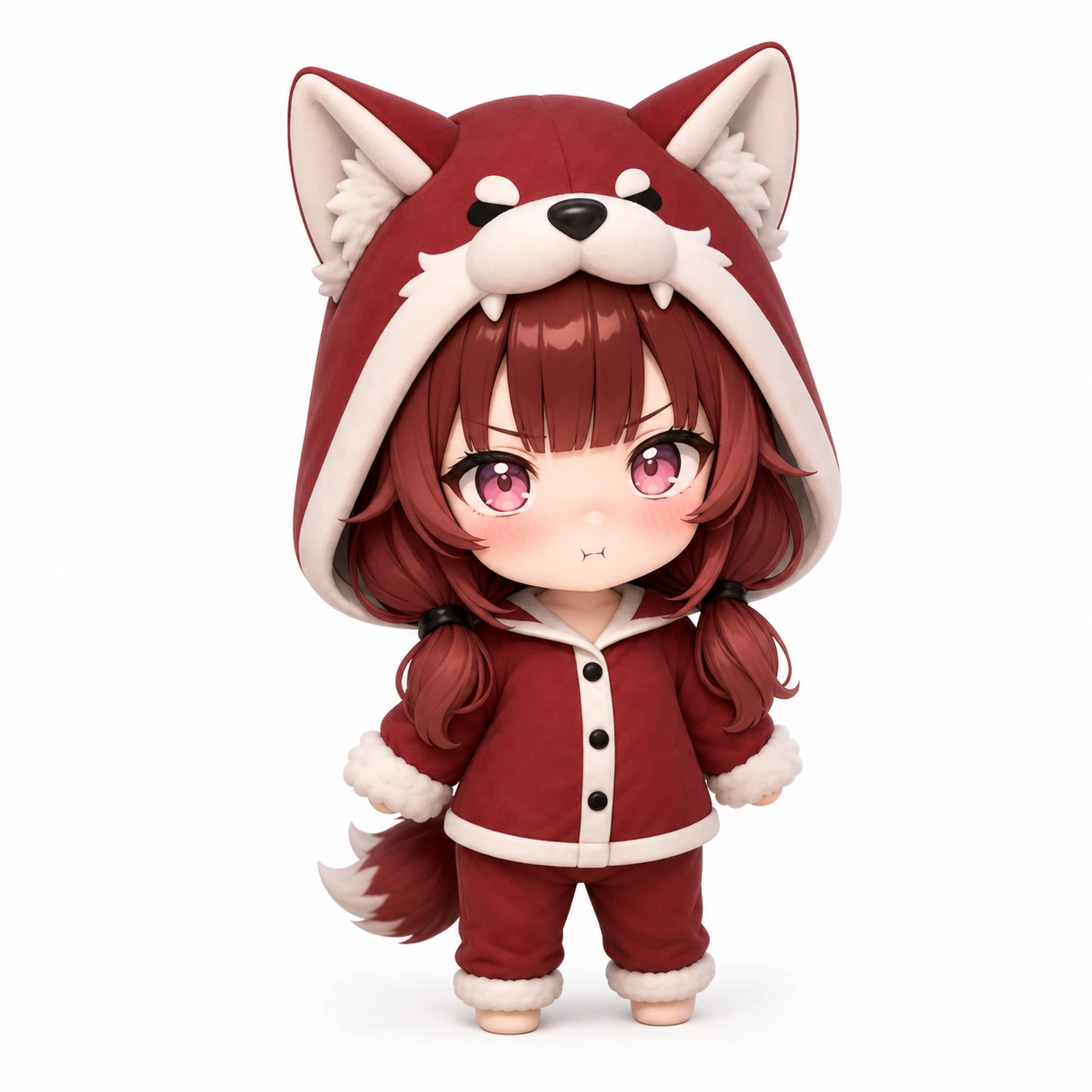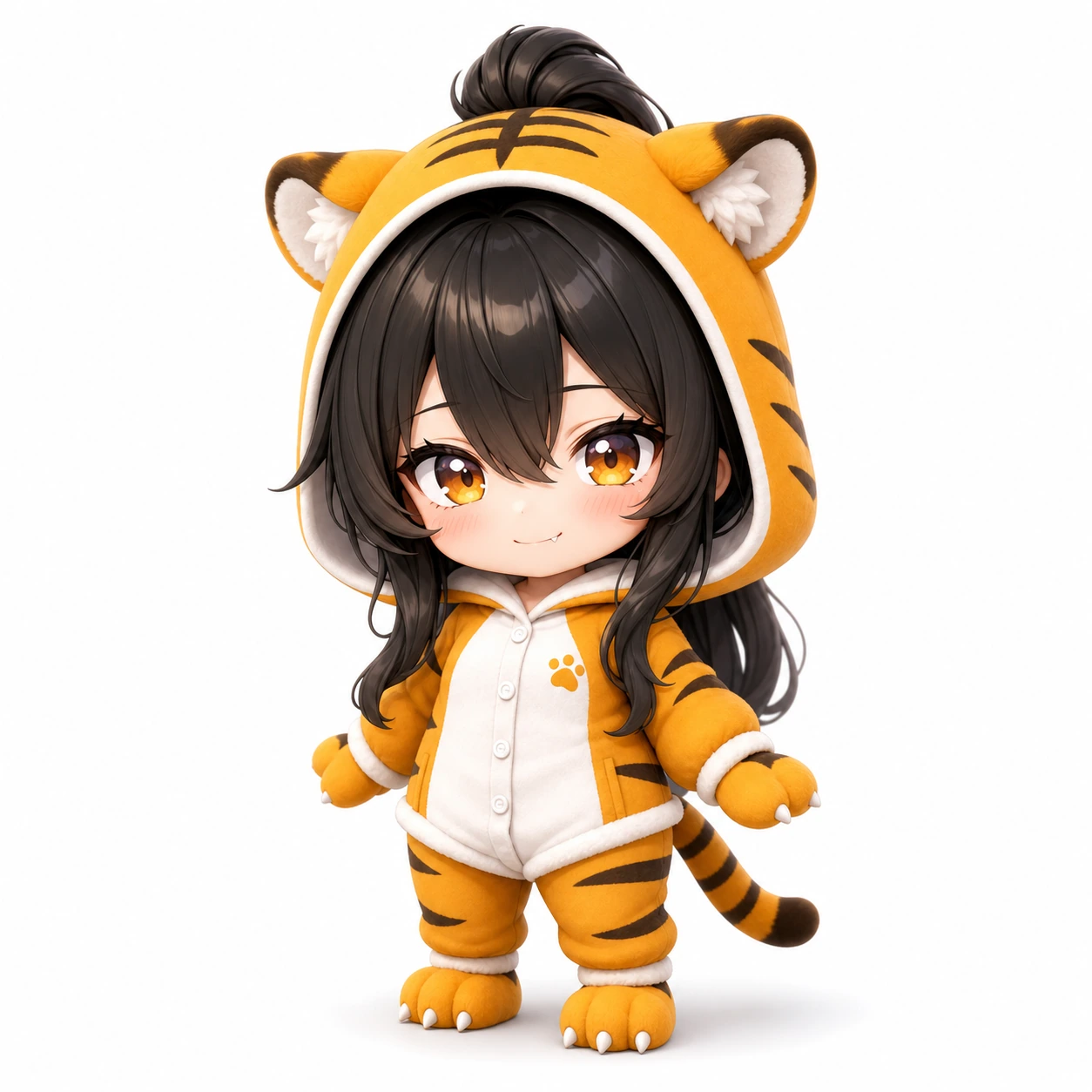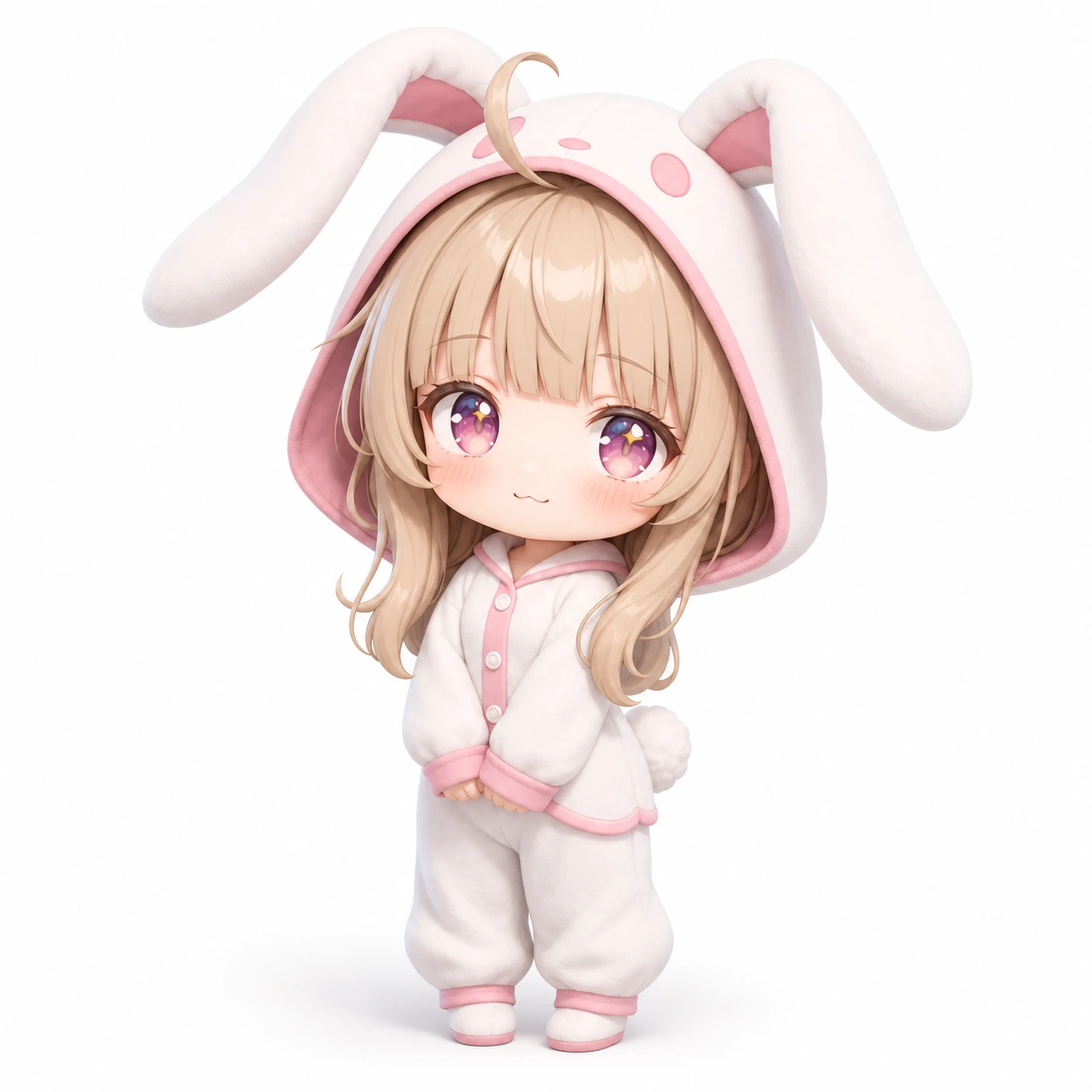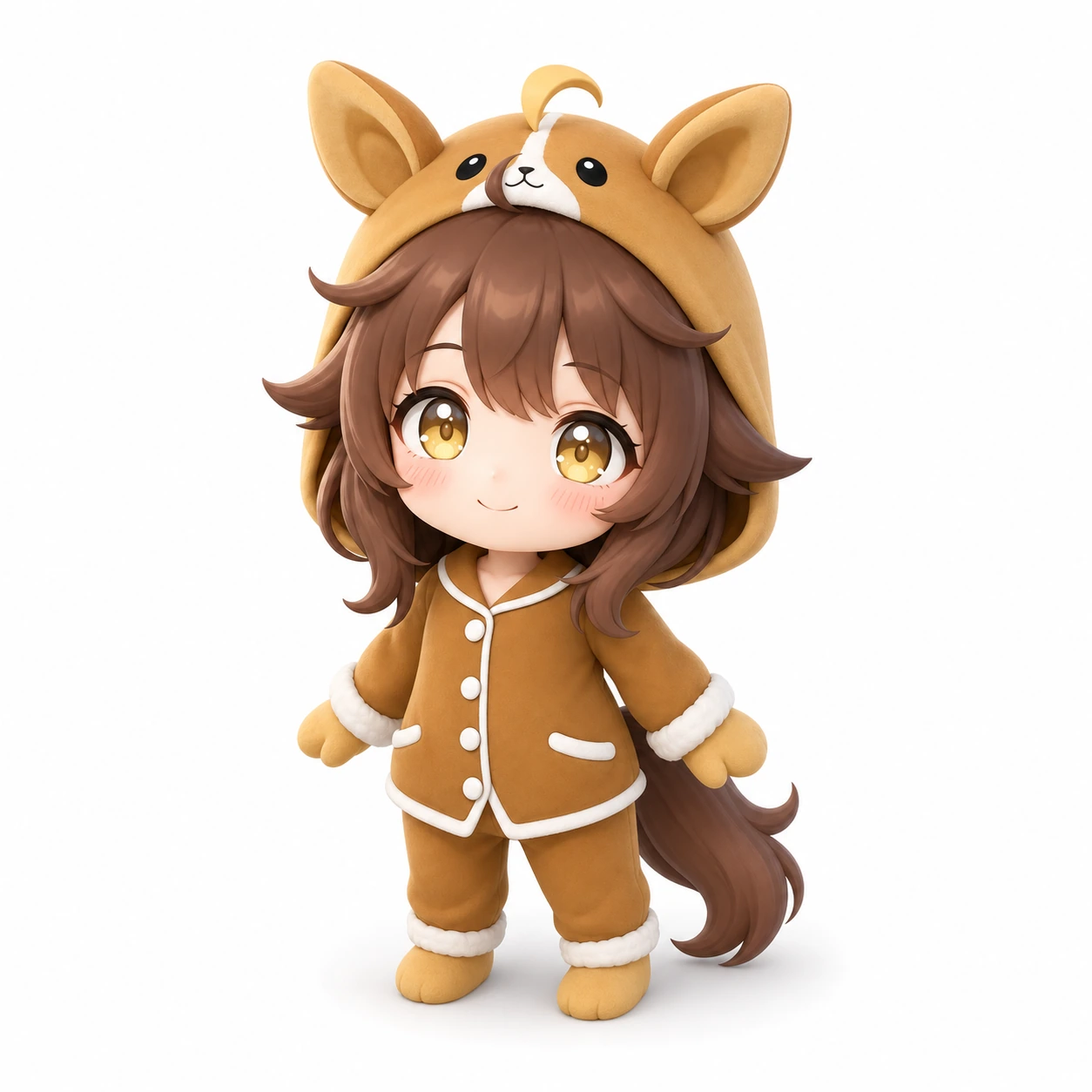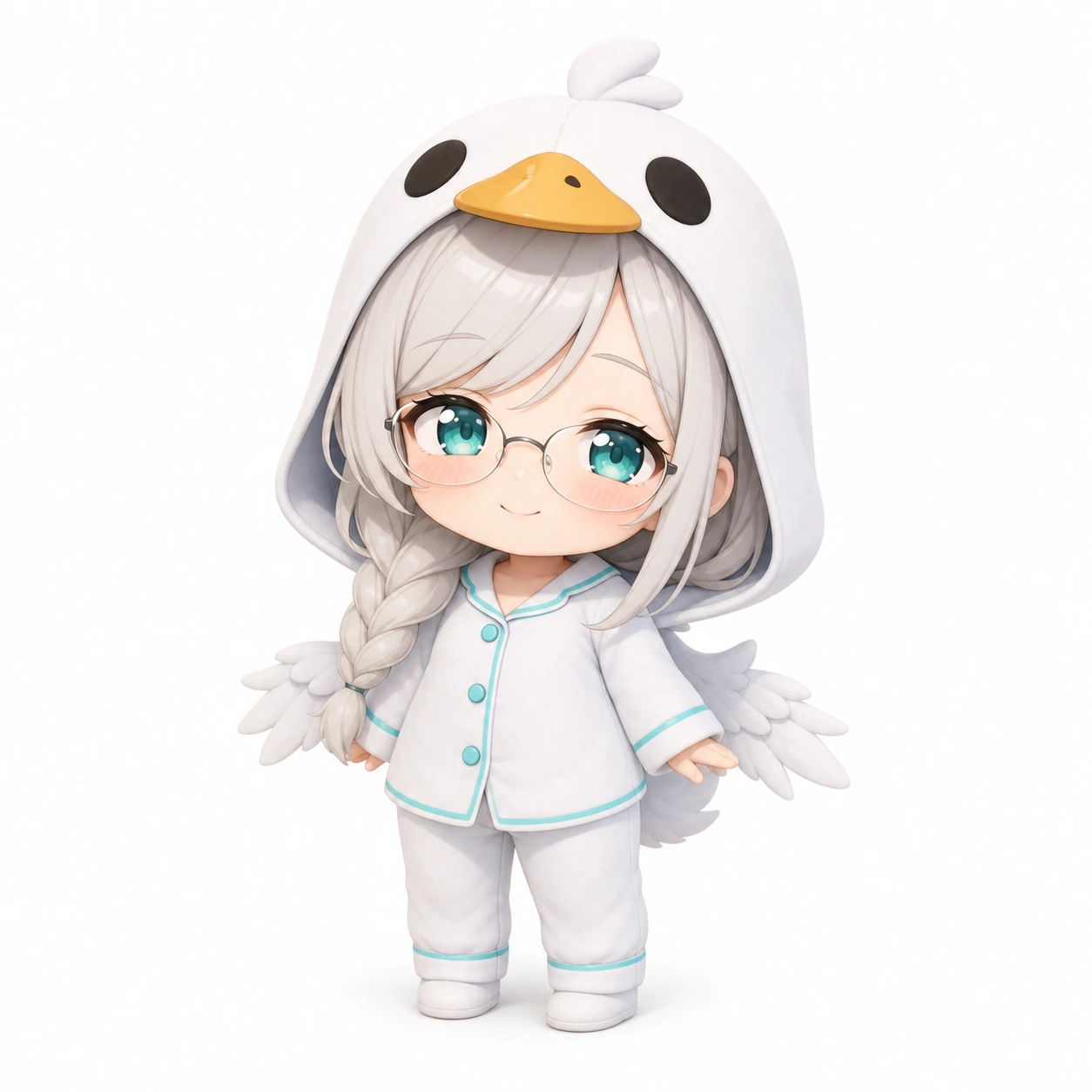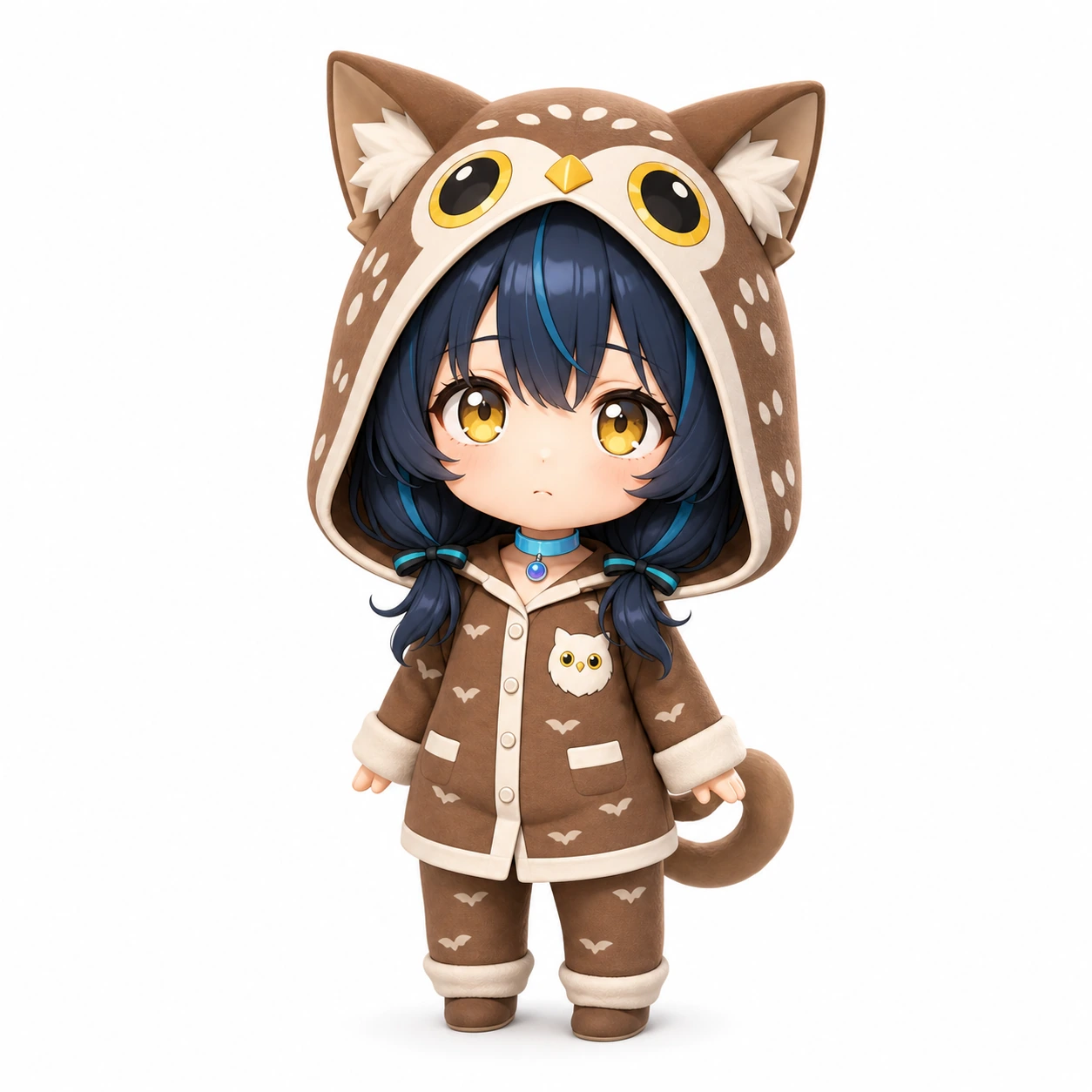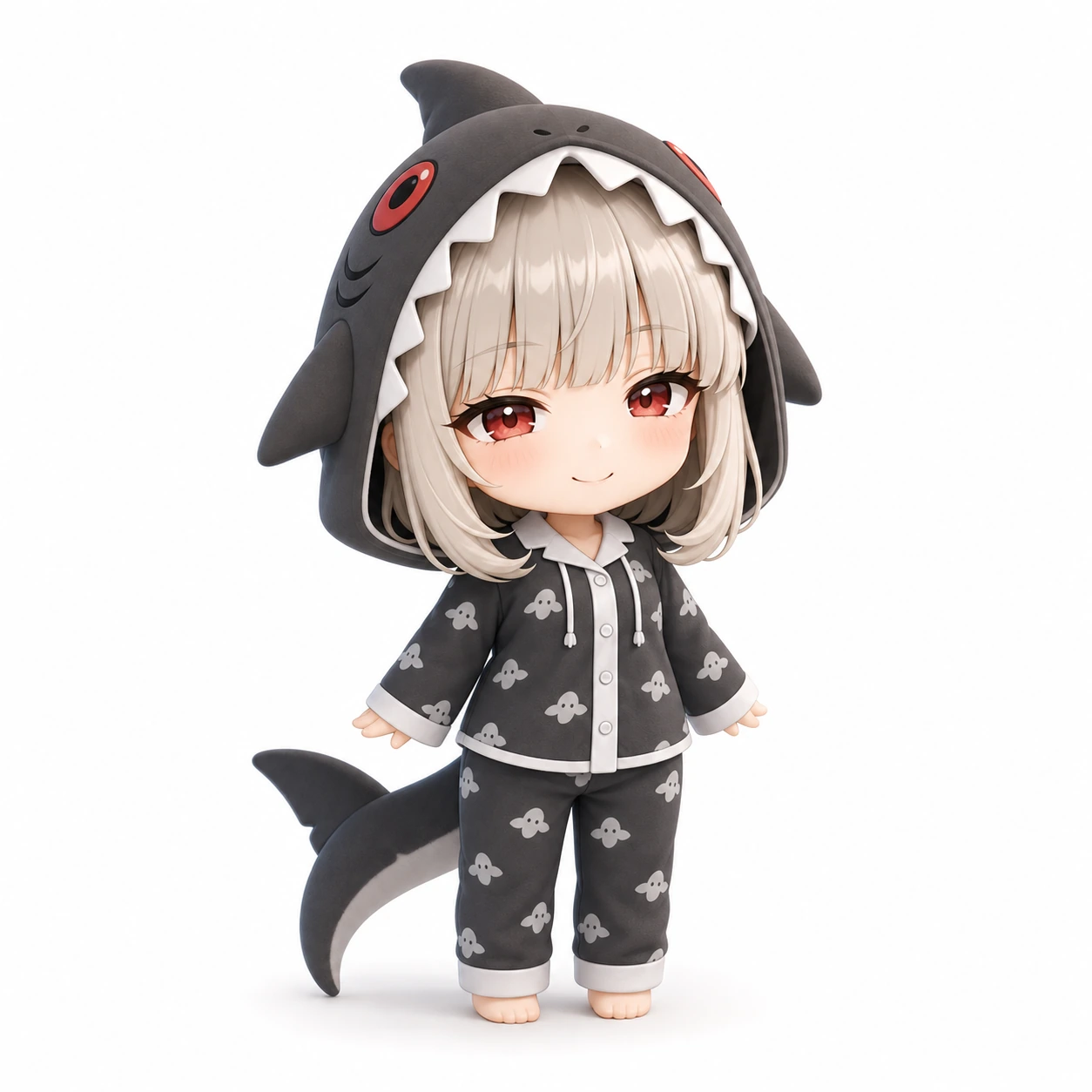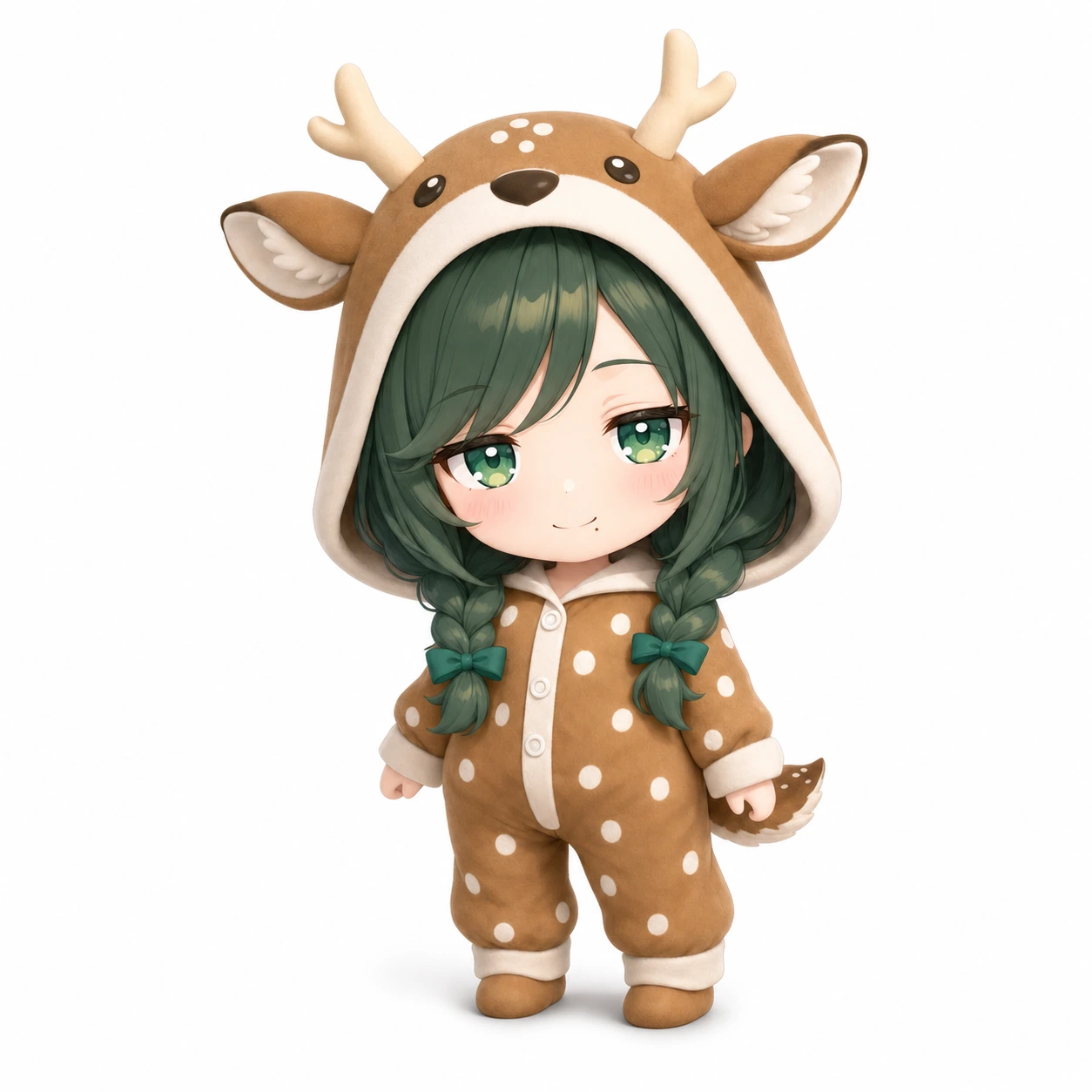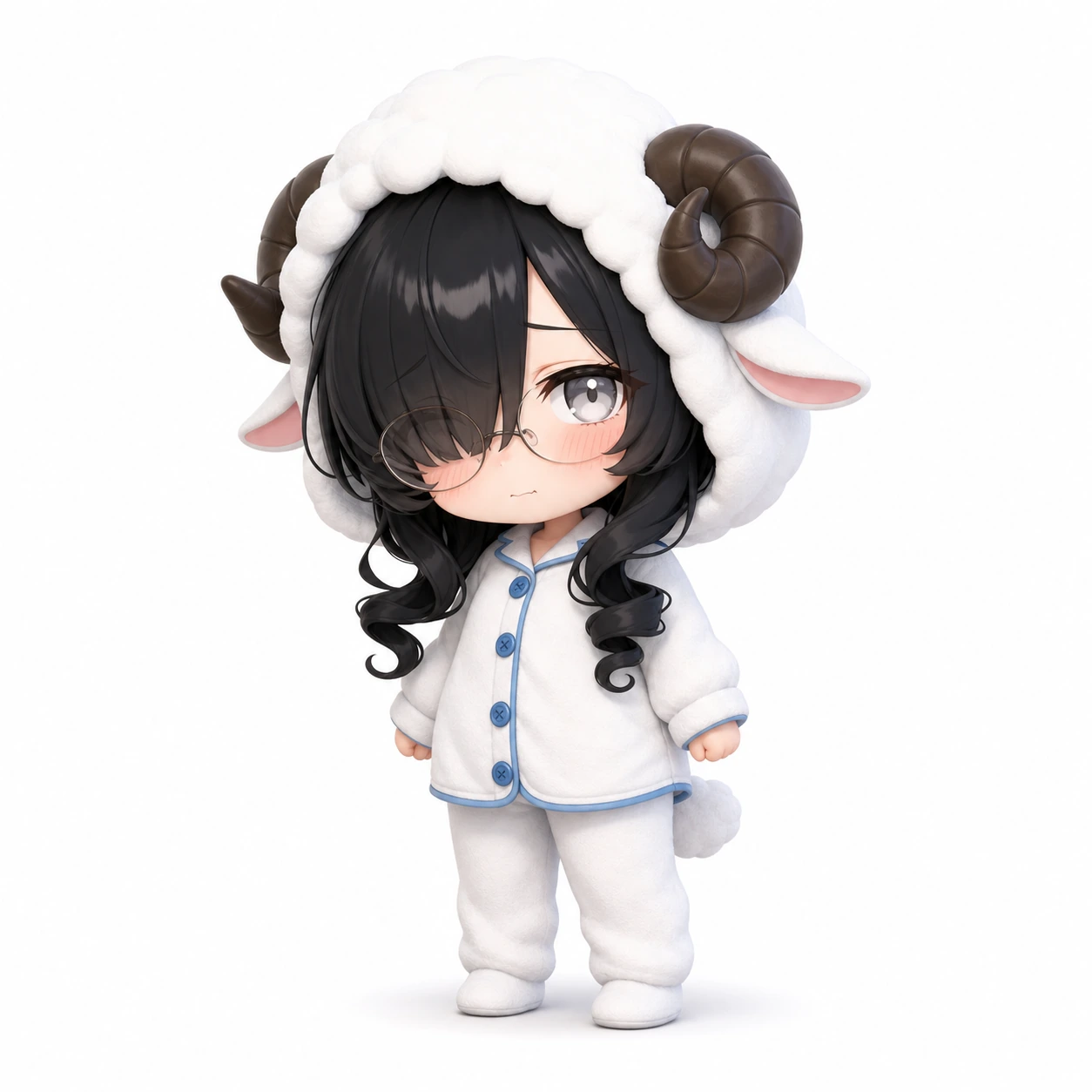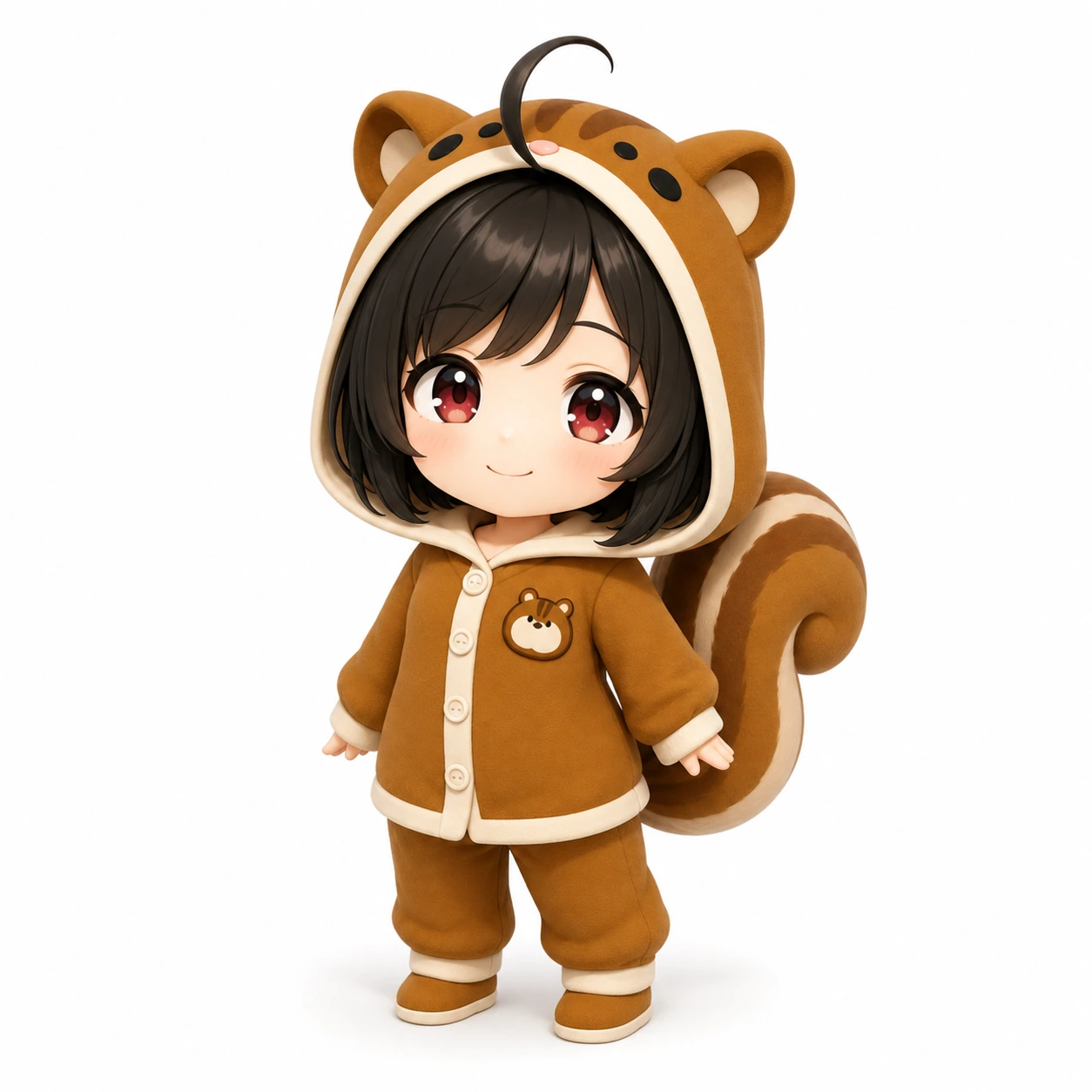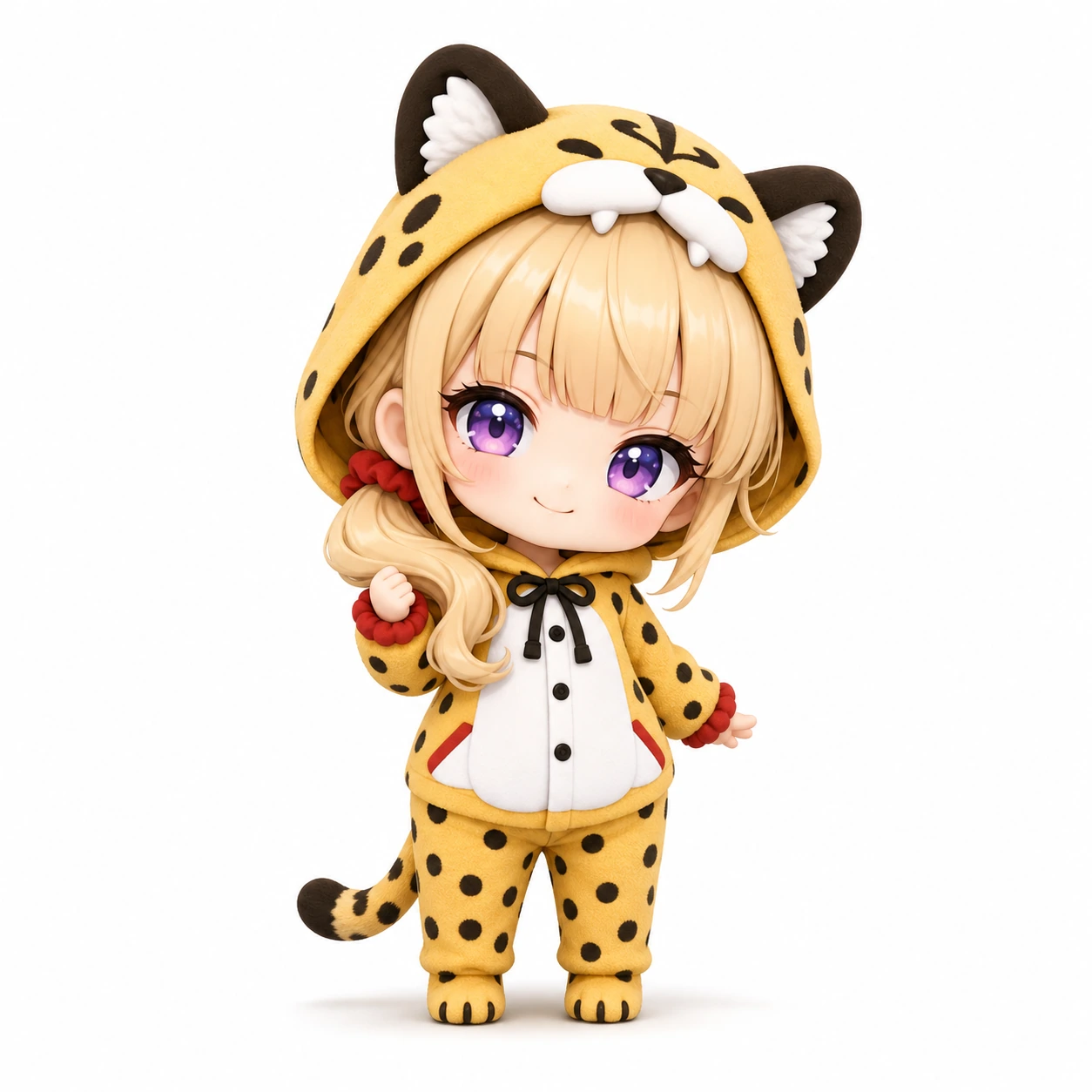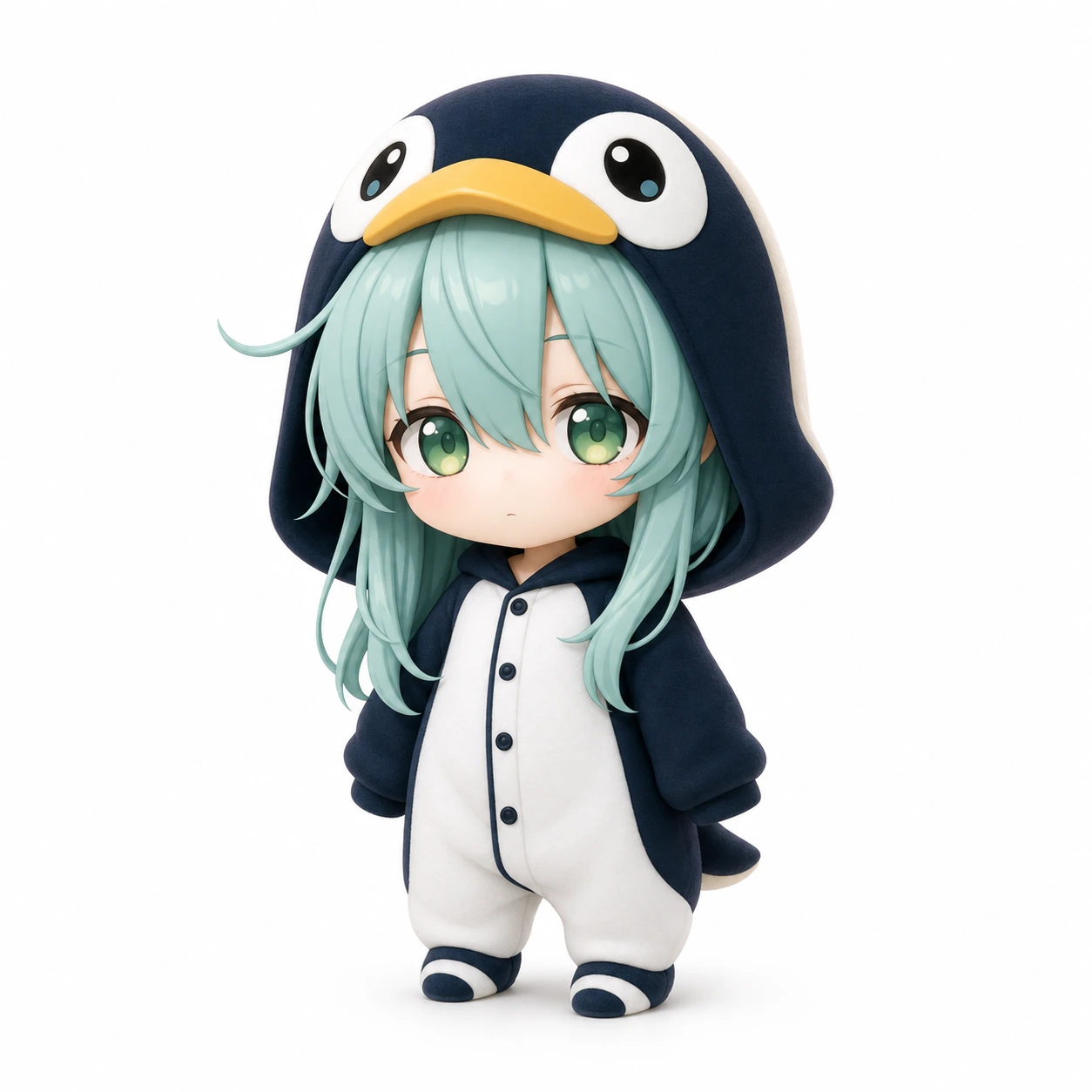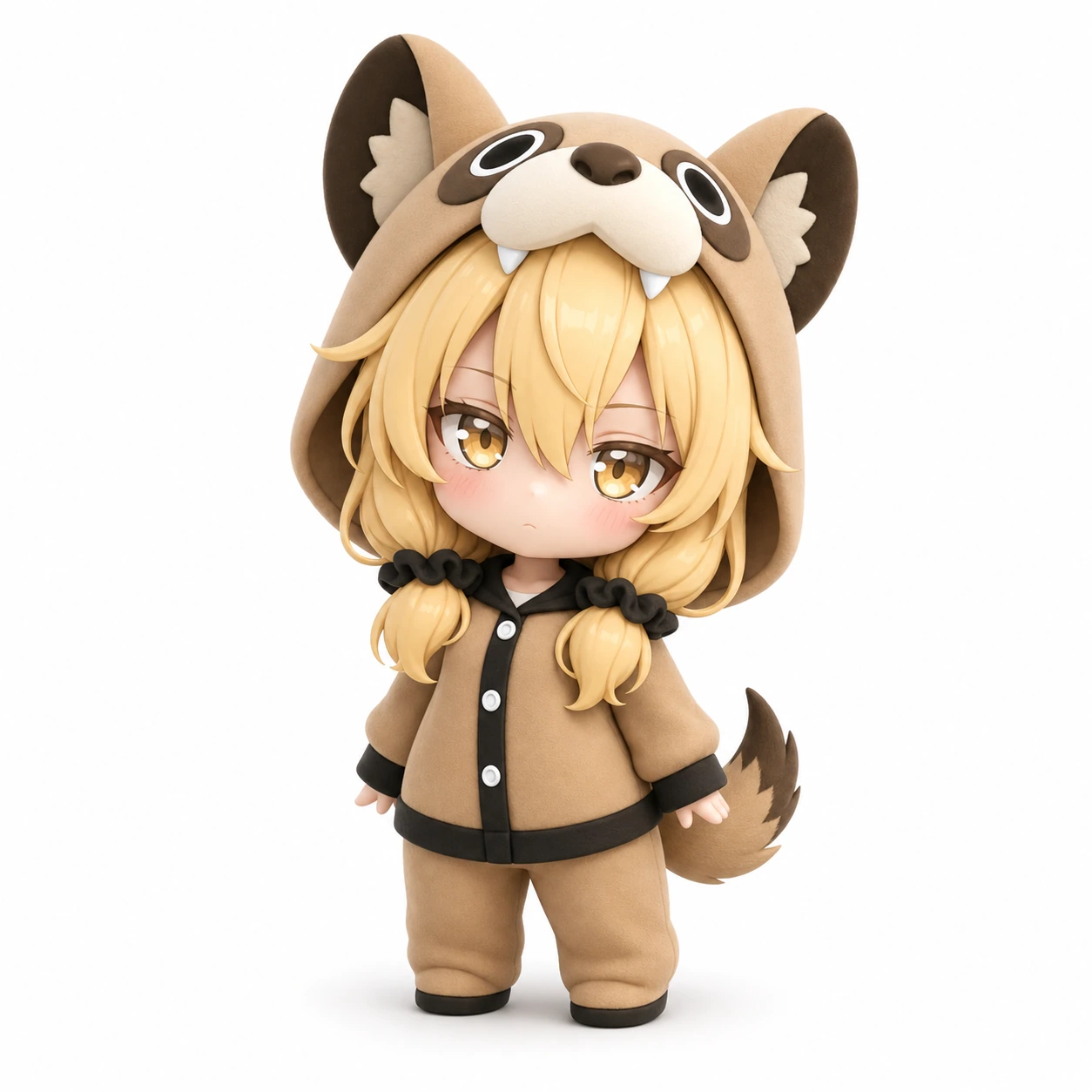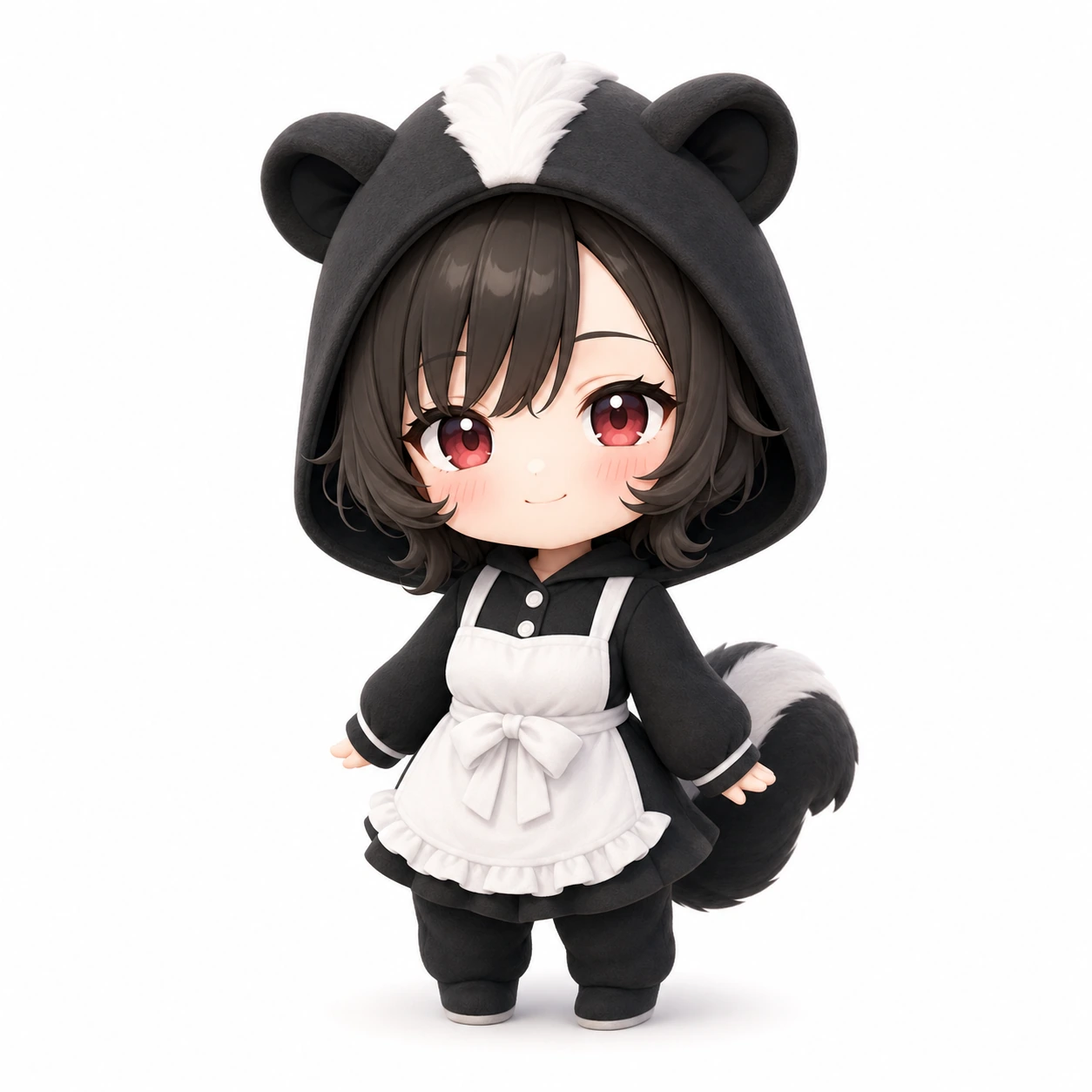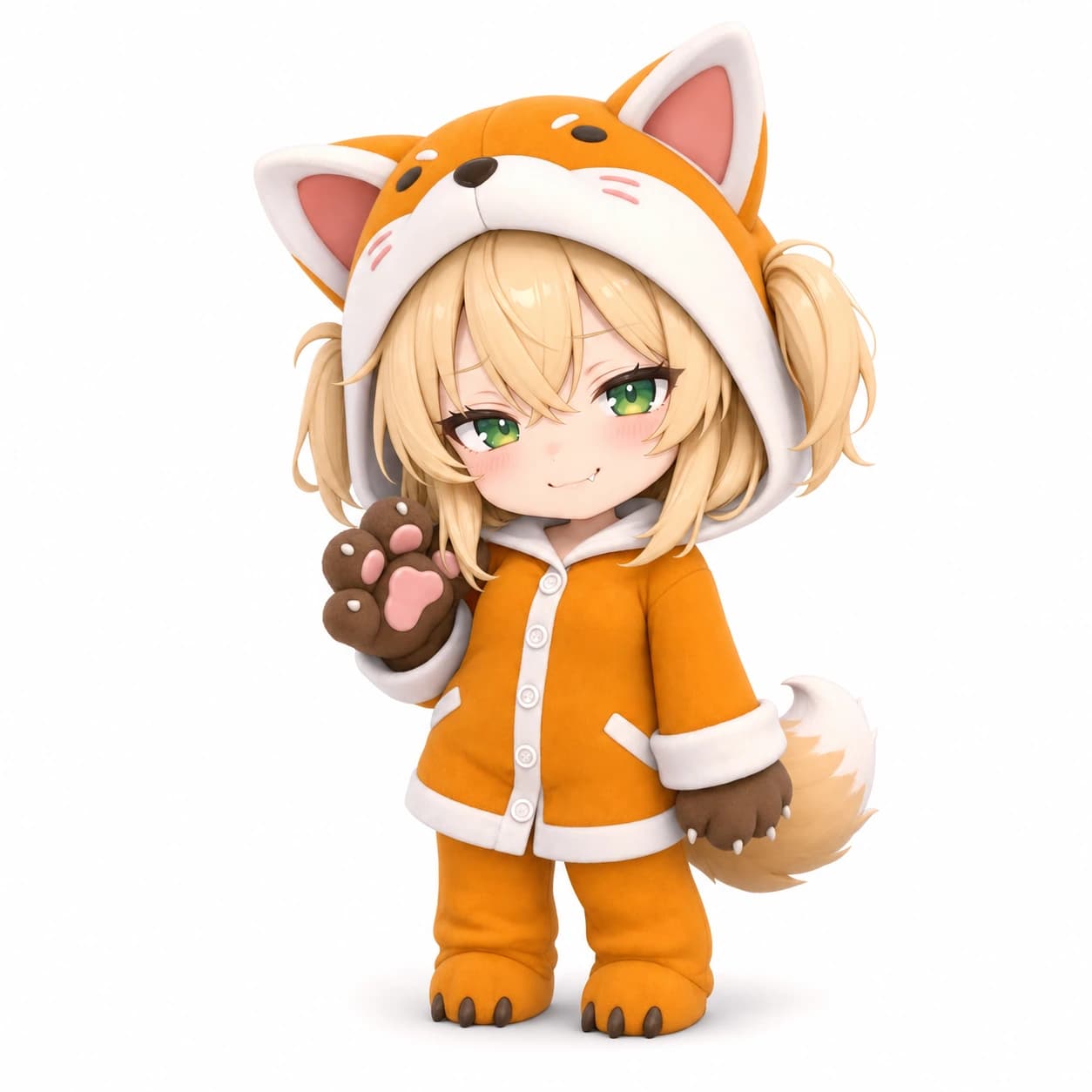
Choose one or two favorites
Open Chibi Character Meme in the Oz Chat generation tab and select characters from the dedicated list.
Make an eight-second moment starring your favorite Oz Chat chibi, then share it with the world using #ozchacha.

HOW TO JOIN
No complicated settings—just choose characters and describe what happens.
Open Chibi Character Meme in the Oz Chat generation tab and select characters from the dedicated list.
Enter a simple action such as “dancing cutely” to create an eight-second vertical video.
Save your video and share it on TikTok or YouTube Shorts with #ozchacha.
Copy #ozchacha, then head to TikTok or YouTube Shorts to publish your video.
Use this hashtag
#ozchacha
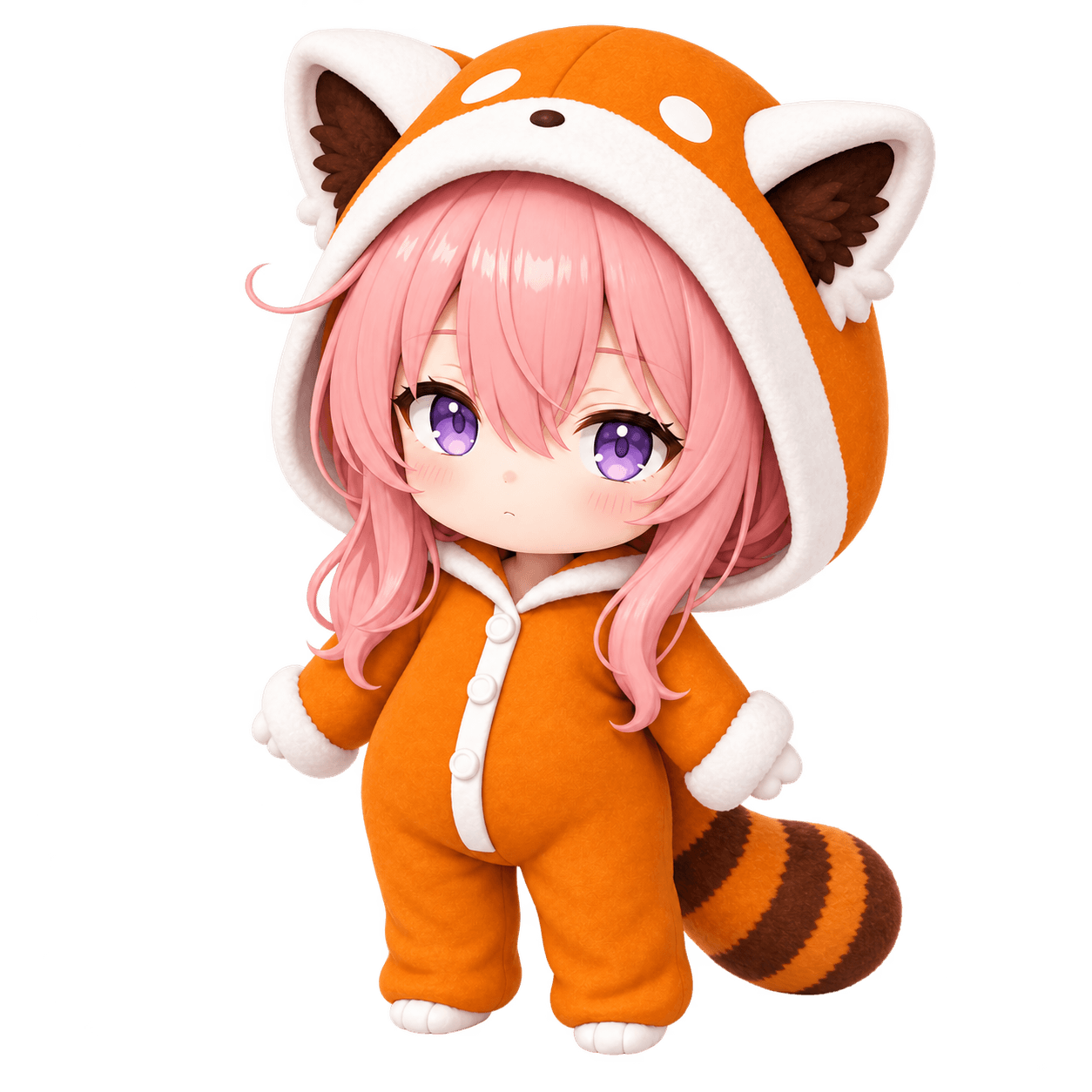
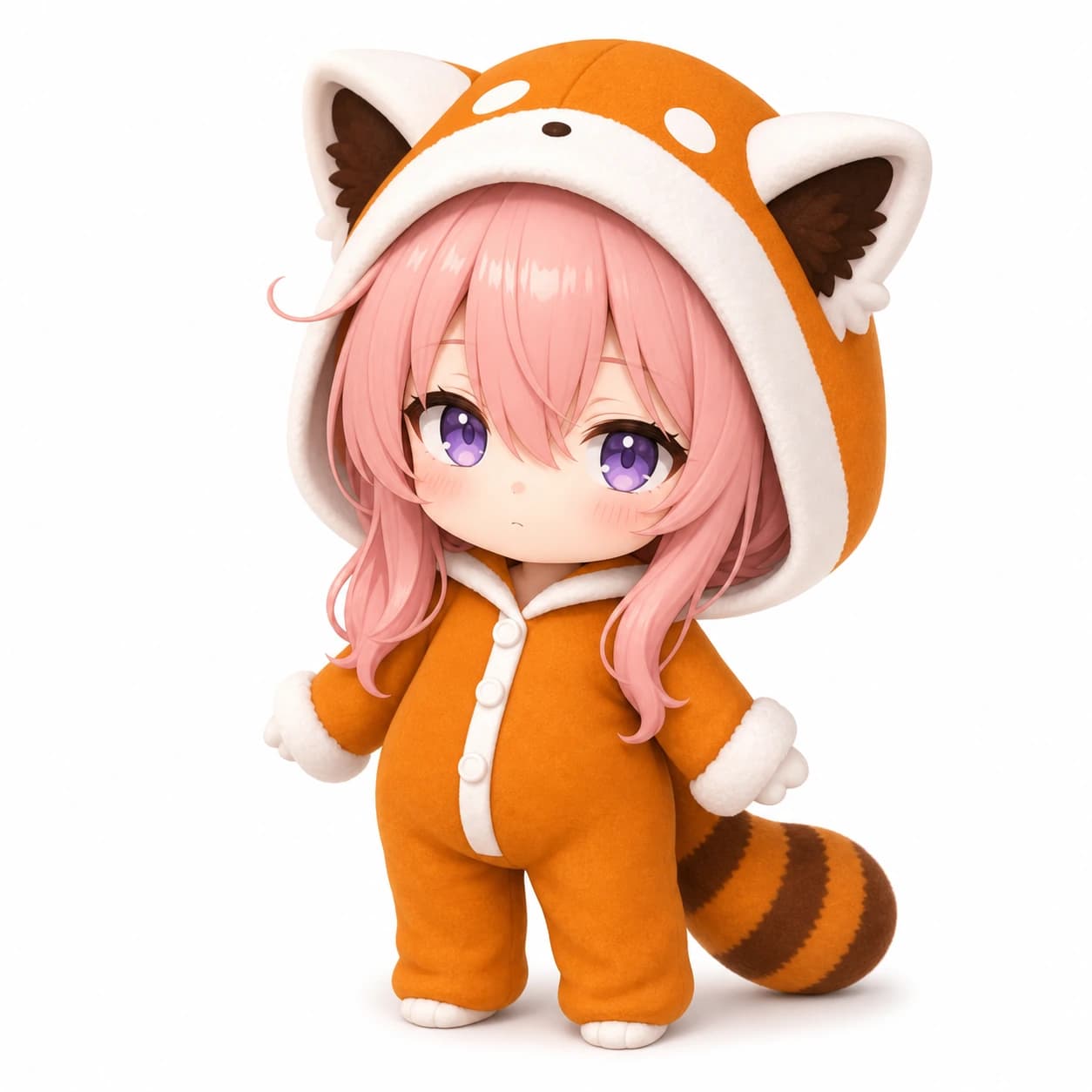
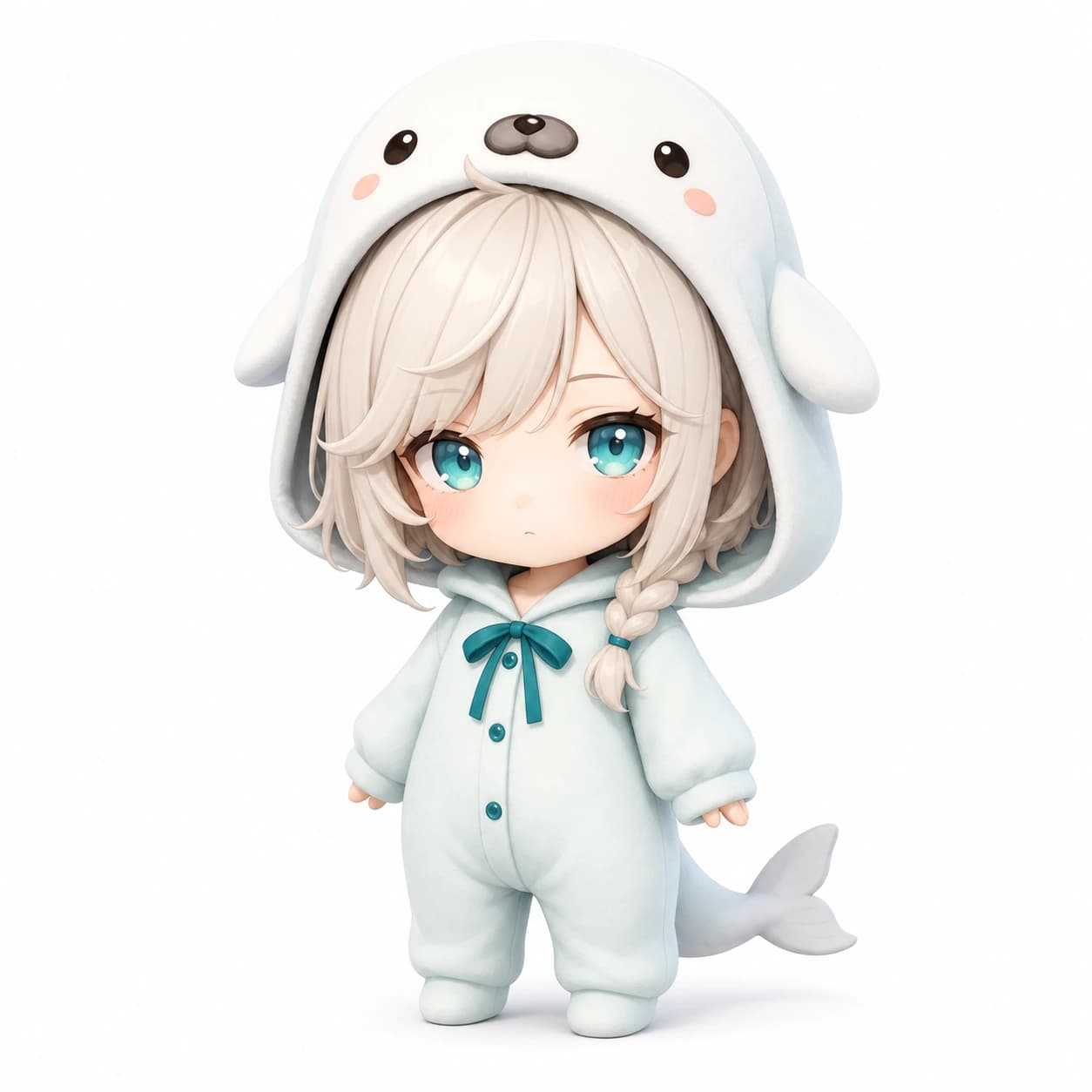
REFERENCE IMAGES
Save characters individually or download the complete set as a ZIP file.
FAQ
Everyone gets one free generation per day. After using it, you can keep creating with MP.
No. Choose one or two chibi characters directly from the dedicated character list.
Add #ozchacha when posting your video to TikTok or YouTube Shorts.
Please review the Oz Chat fan-content guidelines before using the reference images. Fan-content guidelines
🦈
A cute dance or a tiny mishap starts with one simple prompt. Create yours today.
Create your chibi meme